
Explore a selection of free Excel templates designed specifically for company attendance summaries. Each template offers a structured layout to track employee attendance, including essential fields such as employee names, dates, and attendance statuses. These customizable formats simplify the process of monitoring attendance trends and generating reports, making it easier for you to keep your team's records organized and accessible.
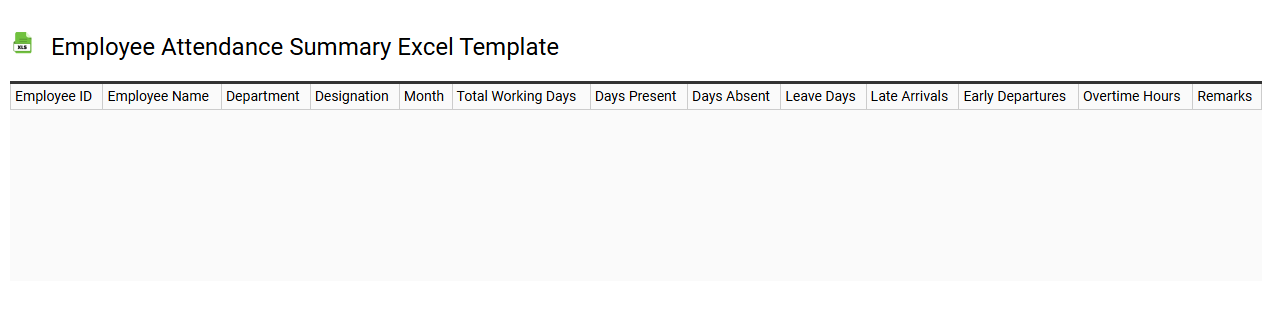
Employee attendance summary Excel template
💾 Employee attendance summary Excel template template .xls
An Employee Attendance Summary Excel template is a pre-designed spreadsheet that facilitates the tracking of employee attendance over a specific period. This template typically includes columns for employee names, dates, attendance status (such as present, absent, or late), and total hours worked. Such a summary allows for easy visualization of attendance patterns, helping to identify trends or issues. You can use this tool not only for record-keeping but also to analyze attendance data for payroll calculations and performance evaluations, with potential extensions to advanced analytics or predictive modeling.
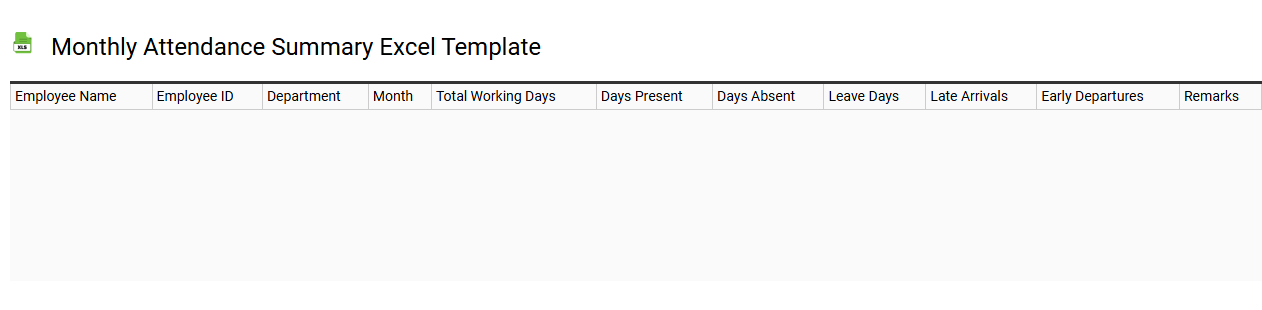
Monthly attendance summary Excel template
💾 Monthly attendance summary Excel template template .xls
A Monthly Attendance Summary Excel template is a structured spreadsheet designed to track and analyze employee attendance data over a month. It typically includes sections for individual names, dates, and attendance statuses such as present, absent, or late. This template often features summary statistics, allowing you to quickly assess overall attendance rates and identify patterns or concerns within your workforce. By utilizing this tool, you can efficiently manage attendance records while potentially expanding its use to integrate advanced analytics, such as trend analysis or predictive modeling.
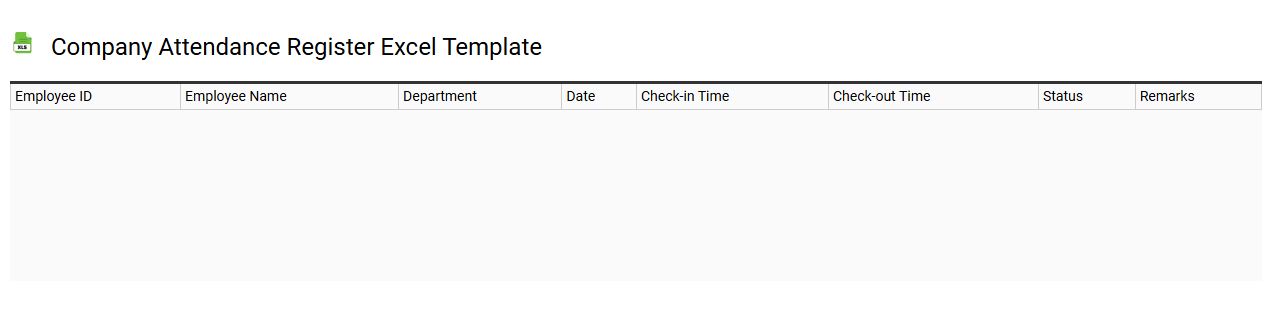
Company attendance register Excel template
💾 Company attendance register Excel template template .xls
A Company attendance register Excel template is a pre-designed spreadsheet that helps track employee attendance efficiently. It typically includes fields for employee names, identification numbers, dates, and attendance status, such as present, absent, or on leave. This template enables businesses to maintain accurate records, facilitating payroll preparation and performance evaluations. You can customize it further to include additional parameters like working hours and reasons for absences, aligning with your organizational needs and potential HR analytics requirements.
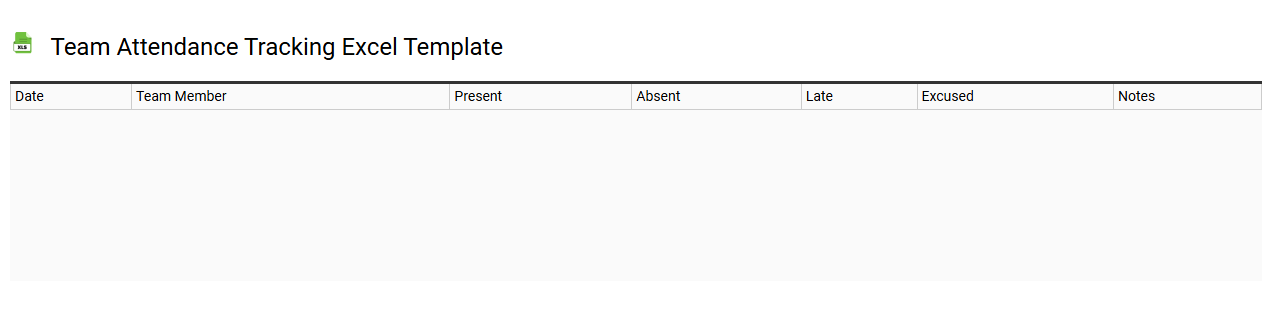
Team attendance tracking Excel template
💾 Team attendance tracking Excel template template .xls
A Team attendance tracking Excel template is a structured spreadsheet designed to monitor and record employees' attendance records effectively. It typically includes columns for names, dates, attendance status, and any relevant notes regarding absences or tardiness. This user-friendly format allows you to easily summarize attendance data, analyze patterns, and identify issues such as frequent absenteeism or punctuality concerns. Such a template can cover basic attendance needs while offering the potential to integrate advanced functionalities like automated notifications, attendance reports, and even integration with payroll systems.
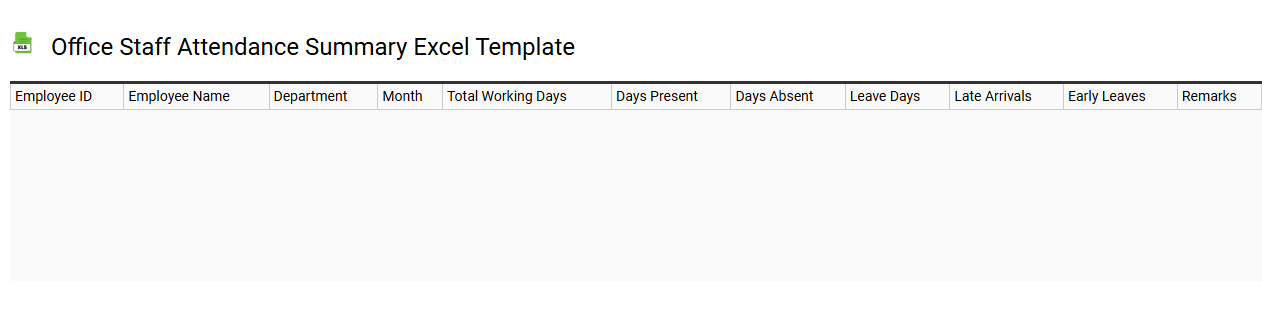
Office staff attendance summary Excel template
💾 Office staff attendance summary Excel template template .xls
An Office staff attendance summary Excel template is a structured tool designed to help businesses track employee attendance efficiently. It typically includes columns for names, dates, working hours, absences, and any leave taken, allowing for clear oversight of attendance patterns. The template's organized layout facilitates easy data entry and real-time monitoring, making it simple to identify trends or issues related to attendance. You can use it to manage daily attendance, while further potential functionality could include advanced analytics, integration with payroll systems, or automated reporting for in-depth attendance analysis.
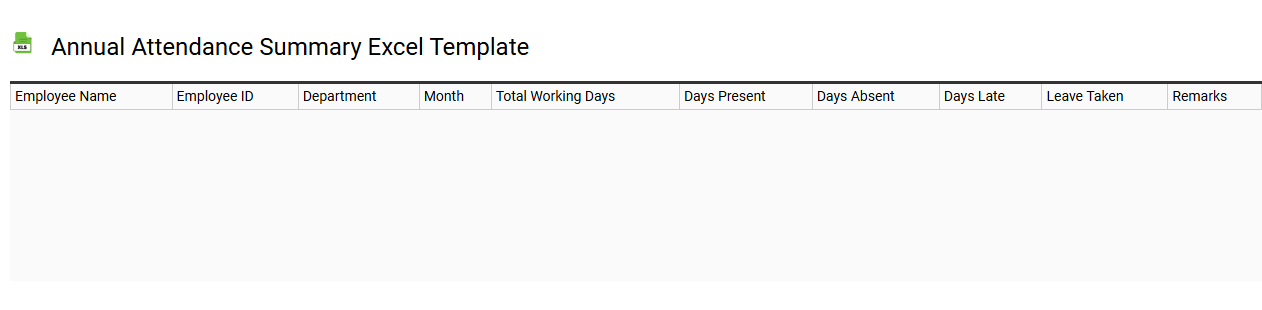
Annual attendance summary Excel template
💾 Annual attendance summary Excel template template .xls
An Annual Attendance Summary Excel template is a structured worksheet designed to track employee attendance over the course of a year. This template typically includes columns for employee names, dates, attendance status, and any absences recorded, simplifying the process of monitoring attendance patterns. Users can analyze data, generate reports, and identify trends such as absenteeism or punctuality, enhancing workforce management. Such templates can be further customized to include advanced metrics like attendance rates, absenteeism costs, or departmental comparisons to meet specific organizational needs.
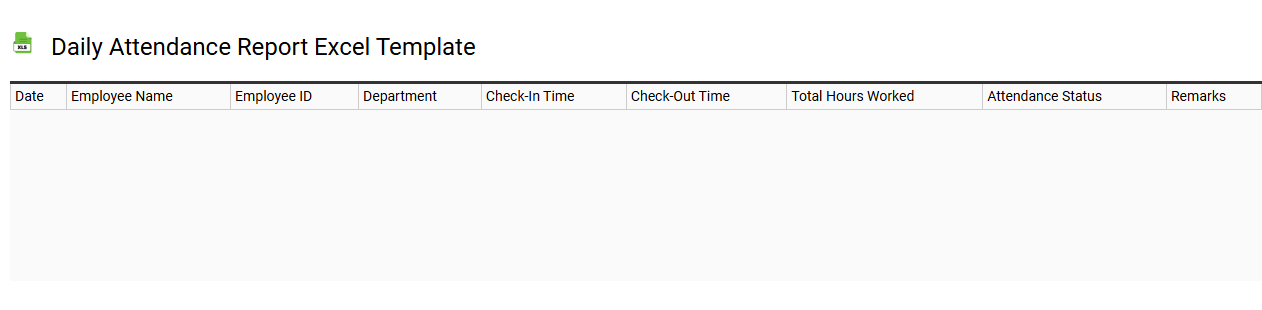
Daily attendance report Excel template
💾 Daily attendance report Excel template template .xls
The Daily Attendance Report Excel template serves as a vital tool for tracking employee attendance on a day-to-day basis. It typically includes columns for employee names, dates, status (present, absent, or late), and additional notes for each individual. This organized format aids businesses in maintaining accurate records for payroll processing and assessing attendance patterns. You can customize the template to also include advanced features like conditional formatting or automated calculations for better insights into attendance trends or anomalies.
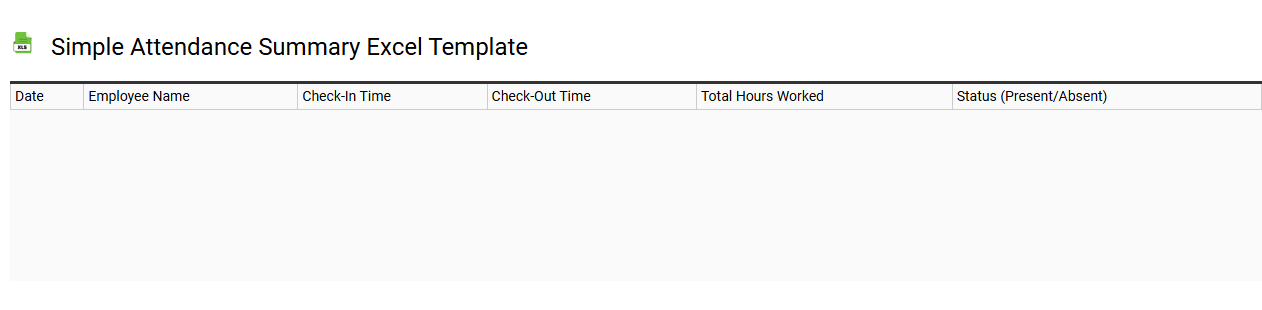
Simple attendance summary Excel template
💾 Simple attendance summary Excel template template .xls
A Simple Attendance Summary Excel template helps you track the presence or absence of individuals over specified time periods. By utilizing clearly defined columns for names, dates, and attendance status, you can efficiently manage attendance records for classes, meetings, or events. Color-coded cells often highlight absences, making it easier to quickly assess trends or issues in attendance. You can utilize this basic template for immediate tracking needs while exploring further potential enhancements like automated reporting and integration with other data management tools.
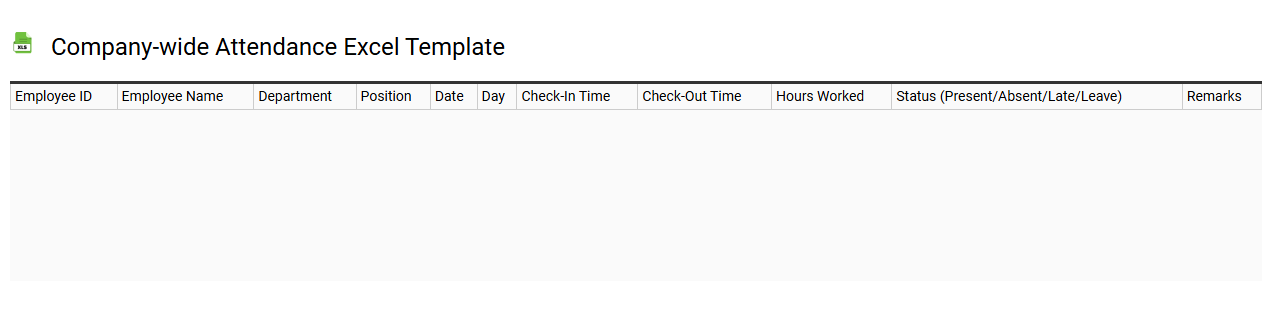
Company-wide attendance Excel template
💾 Company-wide attendance Excel template template .xls
A Company-wide attendance Excel template is a structured spreadsheet designed to track employee attendance across an entire organization. It typically includes columns for employee names, dates, clock-in and clock-out times, and total hours worked. In addition, it can accommodate various attendance types, such as sick leave, vacation, and absenteeism. This tool aids in monitoring attendance trends, ensuring compliance, and identifying needs for further analysis, such as integration with Human Resource Management Systems or advanced data visualization techniques.
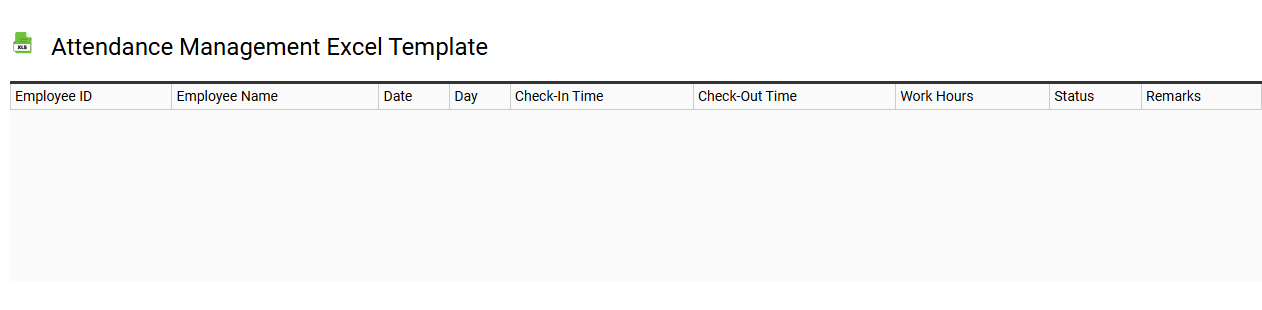
Attendance management Excel template
💾 Attendance management Excel template template .xls
An Attendance Management Excel template is a pre-designed spreadsheet specifically created to track and record attendance for employees or students. It typically contains columns for names, dates, time in, time out, total hours worked, and comments for absences or lateness. This tool simplifies data entry and analysis, allowing you to maintain organized records while easily generating reports on attendance patterns. Basic usage includes recording attendance, while further potential needs may involve integrating formulas for calculating overtime, trends in attendance, and advanced data analytics features like pivot tables or conditional formatting.