
Explore a diverse collection of free XLS templates designed specifically for tracking employee work hours. Each template features customizable fields for easy input of employee names, dates, hours worked, and overtime calculations. With visually appealing layouts, these templates ensure you can monitor attendance efficiently while facilitating payroll processing.
Employee work hours tracker Excel template
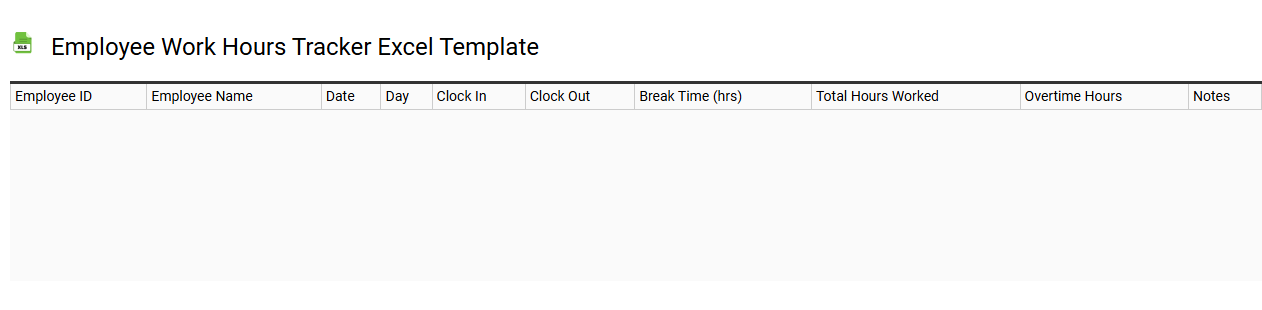
💾 Employee work hours tracker Excel template template .xls
An Employee Work Hours Tracker Excel template is a customizable spreadsheet designed for recording and monitoring the hours worked by employees. It typically includes columns for employee names, dates, hours worked each day, and total hours per pay period, allowing for easy calculations. Visual elements such as charts and graphs may also be incorporated for quick analysis of employee attendance and productivity trends. This template serves as a foundational tool for payroll processing and can be expanded to include features like overtime calculations, project tracking, and integration with time management software for advanced analysis.
Employee shift schedule Excel template
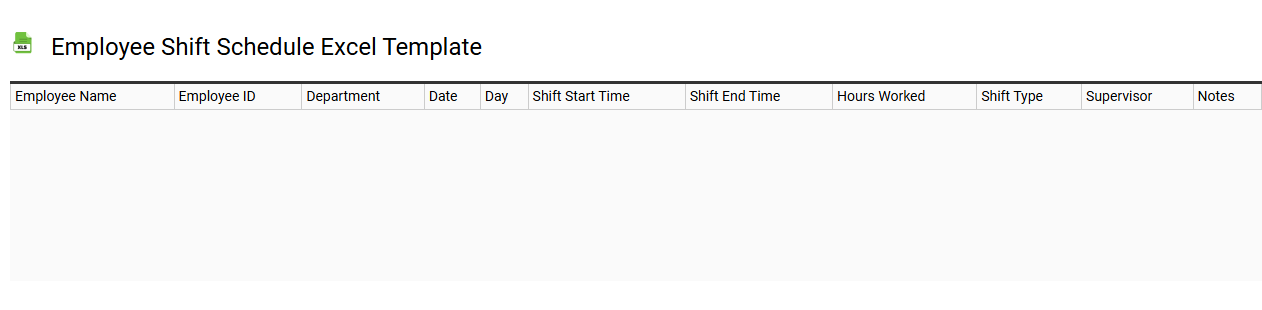
💾 Employee shift schedule Excel template template .xls
An Employee Shift Schedule Excel template is a pre-designed spreadsheet that allows businesses to manage and organize employee work hours efficiently. This template typically includes columns for employee names, shifts, days of the week, and total hours worked, providing a clear overview of staffing needs. Color-coded cells can help you visualize different shifts and highlight employee availability, making it easy to identify gaps in coverage. With basic usage, you can adapt this tool for more advanced needs such as overtime tracking, integration with payroll systems, or automated notifications for shift changes.
Weekly employee hours log Excel template
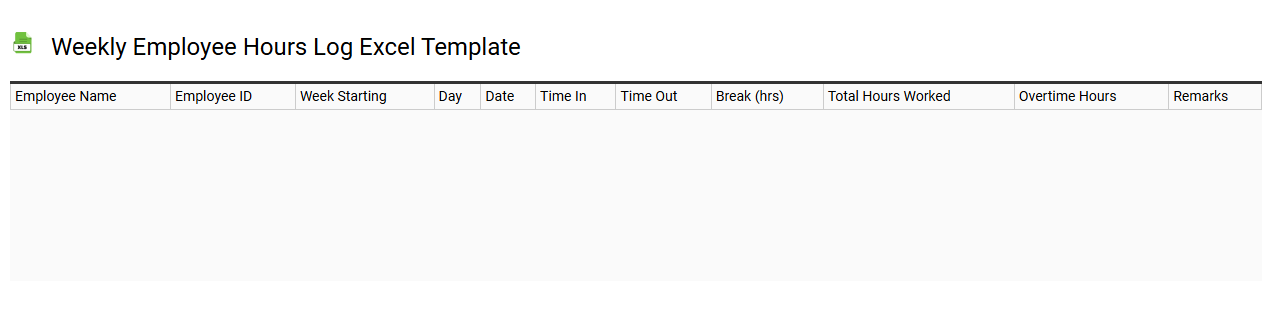
💾 Weekly employee hours log Excel template template .xls
A Weekly Employee Hours Log Excel template serves as a systematic tool for tracking the hours worked by employees over a seven-day period. This template includes key elements such as employee names, identification numbers, work hours for each day of the week, and total hours worked. You can easily customize it to incorporate overtime calculations, pay rates, and any necessary notes for specific tasks or projects. This simple yet effective tool can help you assess labor costs and manage your team's productivity, while further enhancements could involve integrating advanced data analytics or automated reporting features.
Employee attendance calendar Excel template
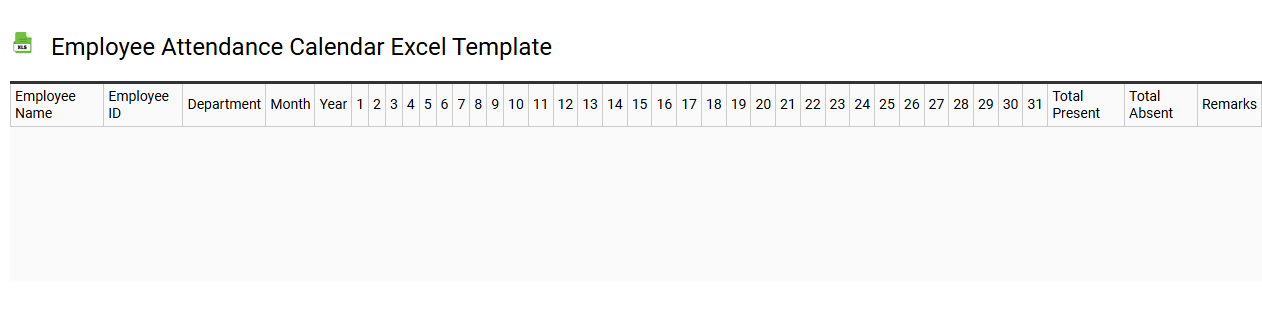
💾 Employee attendance calendar Excel template template .xls
An Employee Attendance Calendar Excel template is a pre-formatted spreadsheet designed to track employee attendance over a specified period. This template typically features columns for employee names, dates, and daily attendance marks such as present, absent, or late, making it easy to monitor attendance trends. The design often includes color coding for quick visual reference of attendance status, simplifying the process of identifying patterns or recurring issues. You can further tailor this template to facilitate advanced analysis, such as calculating attendance percentages or integrating with payroll systems for more comprehensive workforce management.
Monthly work hours calculation Excel template
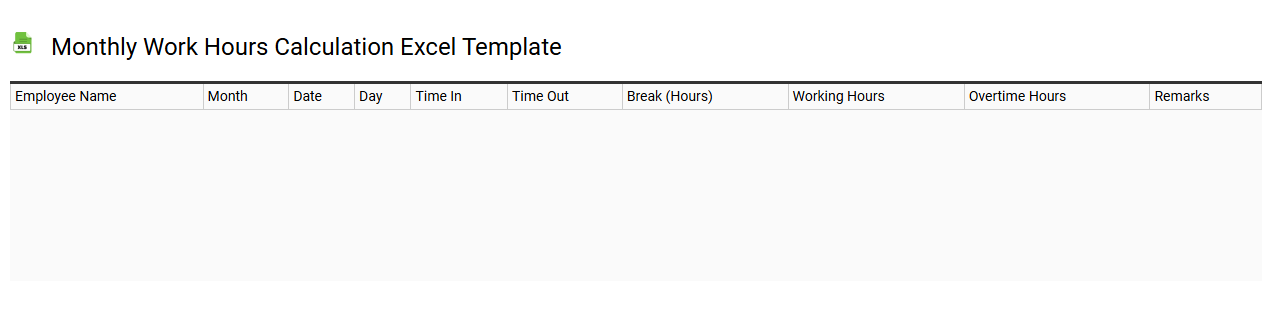
💾 Monthly work hours calculation Excel template template .xls
A Monthly Work Hours Calculation Excel template is a structured tool designed to help individuals and businesses track employee work hours over a month. It typically includes columns for employee names, daily hours worked, and total hours for the week and month, allowing for easy aggregation and reporting. This template can also account for overtime and leave days, ensuring accurate payroll calculations. You can utilize this template not only for tracking hours but also to analyze productivity trends and future staffing needs, possibly integrating advanced features like formulas for automated calculations or pivot tables for deeper insights.
Staff time tracking Excel template
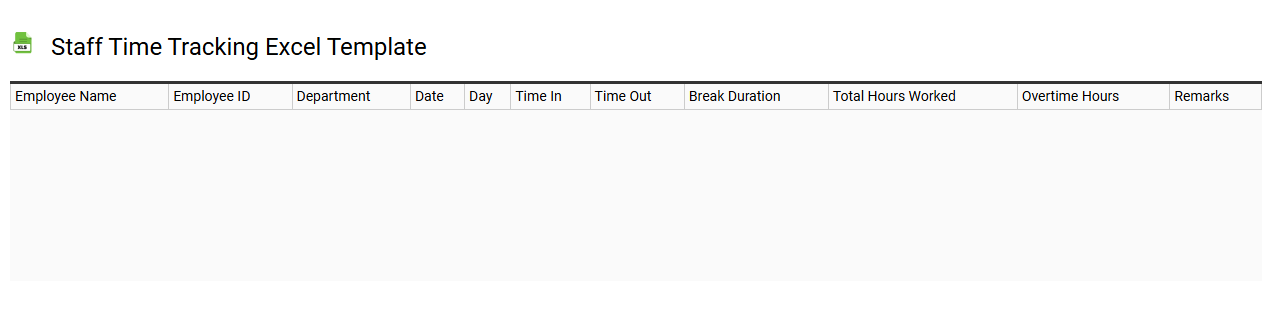
💾 Staff time tracking Excel template template .xls
A Staff Time Tracking Excel template is a tool designed to help businesses monitor and manage employee hours efficiently. This template typically includes columns for employee names, tasks, start and end times, breaks, and total hours worked, providing a clear overview of time allocation. You can customize the layout to fit your organization's specific needs, making it simple to track attendance, project contribution, and overtime. With basic usage, you can manage payroll calculations, while advanced options might incorporate formulas for reporting on productivity trends or integrating with other software for comprehensive workforce management.
Employee timesheet calendar Excel template
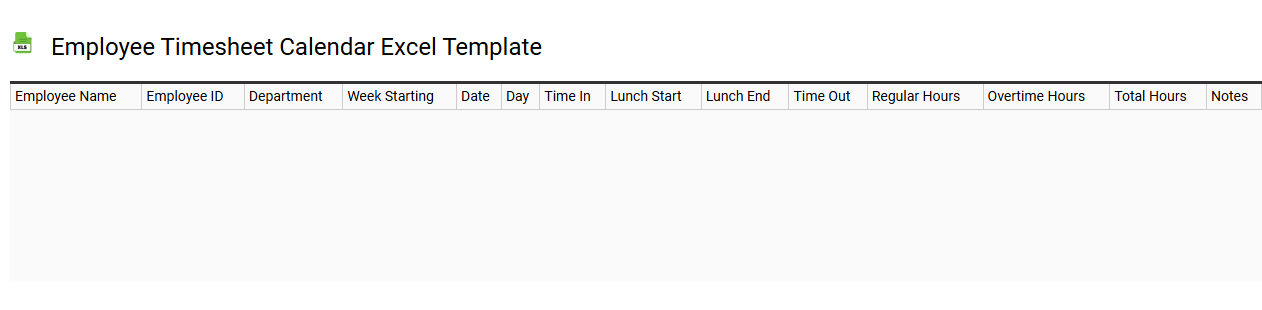
💾 Employee timesheet calendar Excel template template .xls
An Employee timesheet calendar Excel template is a streamlined tool designed to assist organizations in tracking employee work hours, attendance, and project assignments. Featuring pre-defined fields for daily entries, this template simplifies payroll calculation and enhances productivity monitoring. Users can customize it to suit their specific needs, including features like overtime tracking, leave management, and weekly total calculations. Beyond basic tracking, this template can also serve advanced functions such as integrating with HR software or analyzing labor costs over time.
Employee work schedule Excel template
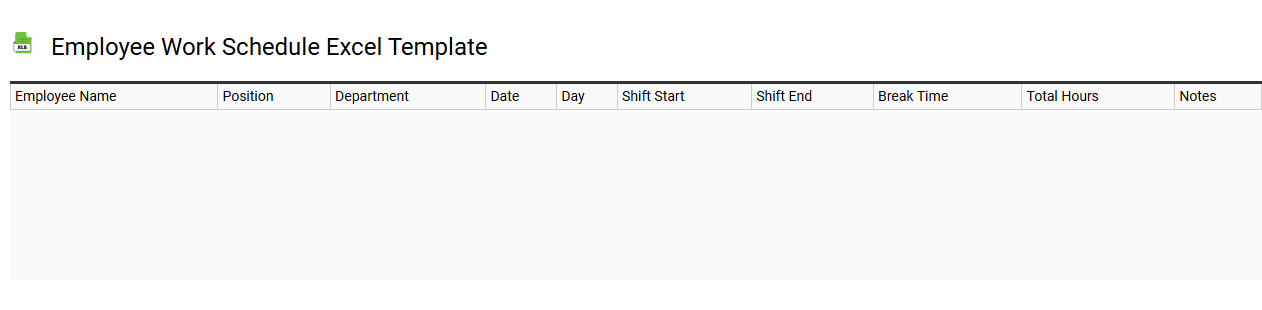
💾 Employee work schedule Excel template template .xls
An Employee work schedule Excel template is a ready-to-use spreadsheet designed to help businesses organize and track employee shifts. This template typically includes columns for employee names, scheduled hours, and specific days of the week, making it easy for managers to visualize staffing requirements. Features often enable color-coded shifts, overtime tracking, and attendance monitoring, facilitating efficient planning and reducing scheduling conflicts. Such templates can be basic for small teams or more complex, incorporating features like automated calculations or integration with payroll systems for advanced workforce management needs.
Daily employee work hours Excel template
💾 Daily employee work hours Excel template template .xls
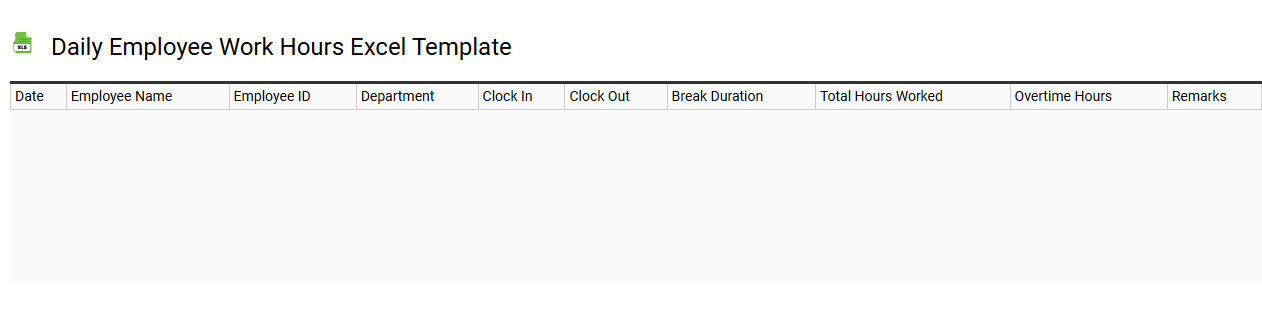
The Daily Employee Work Hours Excel template serves as a tool for tracking employee attendance, work hours, and overtime. It typically features columns for employee names, dates, start and end times, total hours worked, and any notes regarding absences or overtime. This organized format allows you to quickly assess labor costs and manage workforce efficiency more effectively. You can utilize the template for basic tracking, with potential to explore advanced features like automated calculations, pivot tables for data analysis, and integration with payroll systems.
Overtime tracking Excel template
💾 Overtime tracking Excel template template .xls
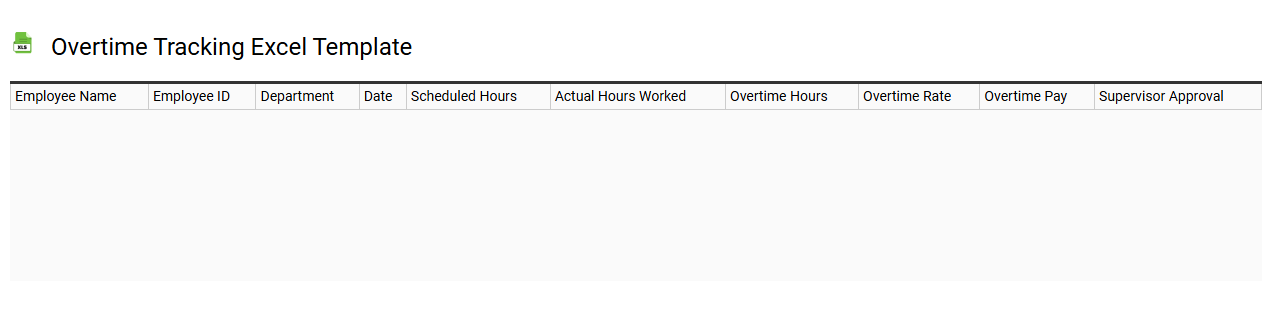
An Overtime Tracking Excel template serves as a structured tool for monitoring employee overtime hours across various time periods. This template typically includes columns for employee names, standard hours, overtime hours, and total hours worked, enabling accurate calculations. You can customize it to reflect your organization's unique work schedules and overtime policies, ensuring that you efficiently manage labor costs. Beyond basic tracking, this template can also incorporate advanced analytics like forecasting labor needs and compliance tracking based on labor laws.