
A comprehensive Issues Meeting Action Tracker Excel template helps you efficiently document, assign, and follow up on issues discussed during meetings. This template includes columns for issue description, priority level, responsible person, due date, and status updates, ensuring that all action items are clearly outlined and managed. You can customize it according to your specific needs, making it a versatile tool for enhancing team accountability and productivity.
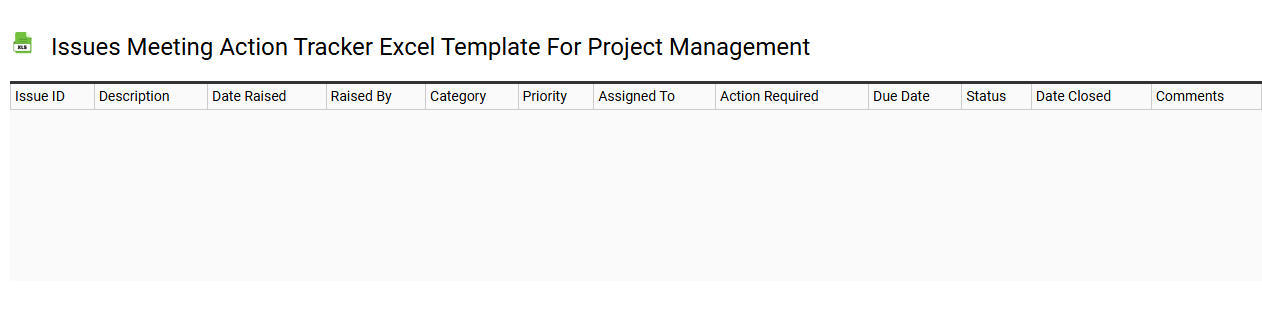
Issues meeting action tracker Excel template for project management
💾 Issues meeting action tracker Excel template for project management template .xls
An Issues Meeting Action Tracker Excel template is a structured tool designed for project management that helps teams document, monitor, and resolve issues identified during project meetings. It typically includes columns for issue description, owner, priority, status, due date, and resolution notes, allowing for clear visibility and accountability. This template enhances collaboration by providing a centralized location for tracking action items, ensuring that team members are aware of their responsibilities and deadlines. Utilizing this template can streamline communication among project stakeholders while accommodating both basic issue tracking and advanced analytical needs, such as trend analysis and predictive modeling.
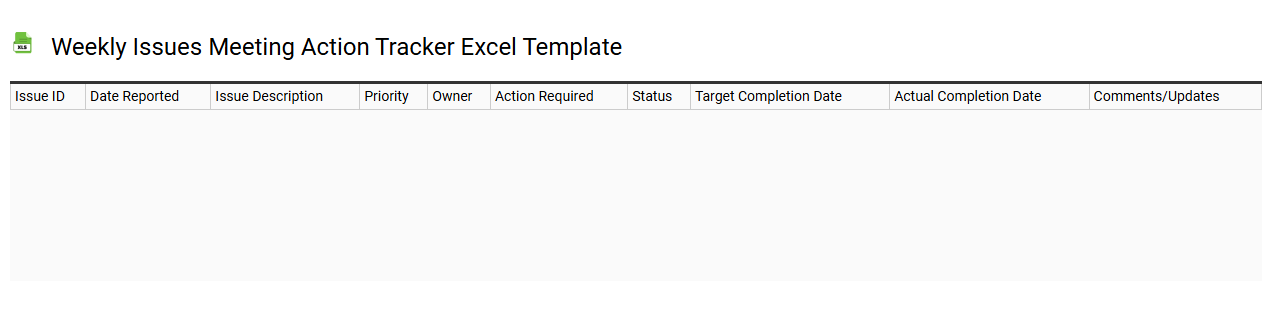
Weekly issues meeting action tracker Excel template
💾 Weekly issues meeting action tracker Excel template template .xls
A Weekly Issues Meeting Action Tracker Excel template is a structured tool designed to systematically monitor action items identified during weekly meetings. This template typically includes columns for issue descriptions, responsible individuals, deadlines, statuses, and any notes or updates. You can easily customize it to fit your team's specific needs, allowing for clearer accountability and tracking of progress. This straightforward yet effective tool enables you to manage current tasks while providing potential for advanced analytics or integration with project management software for enhanced oversight.
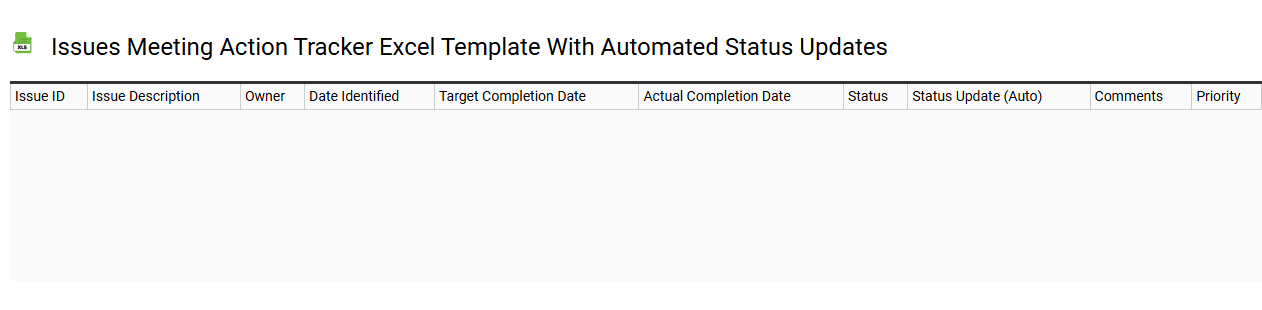
Issues meeting action tracker Excel template with automated status updates
💾 Issues meeting action tracker Excel template with automated status updates template .xls
An Issues Meeting Action Tracker Excel template is a specialized tool designed to streamline the management of tasks and action items arising from meetings. This template includes predefined fields for tracking the issue description, owner, due date, and current status. With automated status updates, the template can dynamically reflect changes based on input, allowing for real-time monitoring of progress and accountability. Using this template can simplify project management and improve communication, while also offering potential extensions such as integration with advanced project management software or analytics dashboards for comprehensive insights.
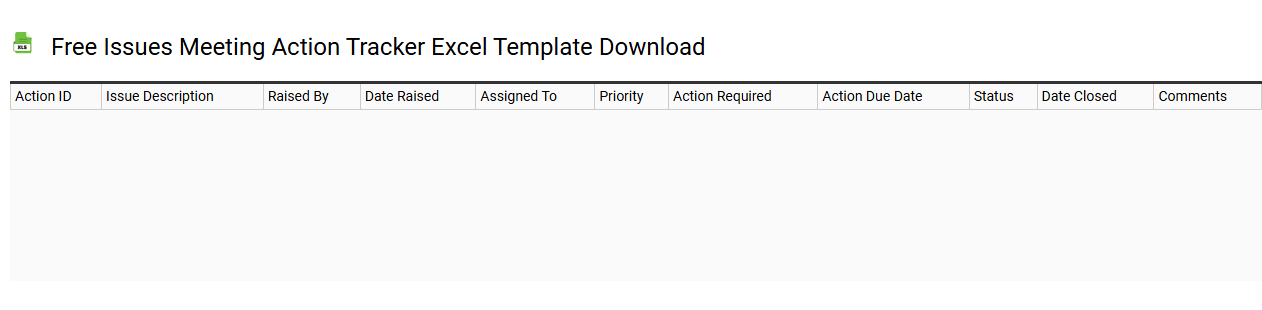
Free issues meeting action tracker Excel template download
💾 Free issues meeting action tracker Excel template download template .xls
The Free Issues Meeting Action Tracker Excel template is a practical tool designed to streamline the management of action items arising from meetings. It features dedicated sections for listing issues, assigning responsibilities, setting deadlines, and tracking progress, ensuring that todos do not get overlooked. This customizable template enables effective communication among team members by providing clear visibility into task status. You can use this template for basic meeting tracking needs or expand its functionality by incorporating advanced project management features like Gantt charts and automated reminders.
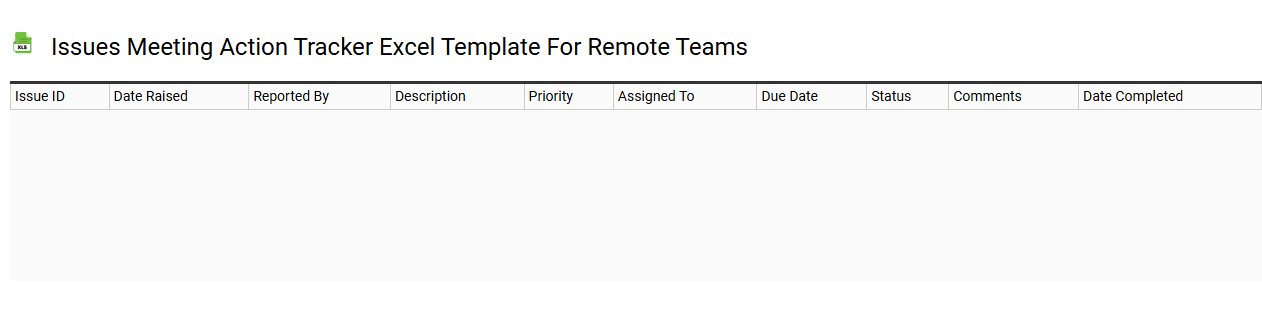
Issues meeting action tracker Excel template for remote teams
💾 Issues meeting action tracker Excel template for remote teams template .xls
An Issues Meeting Action Tracker Excel template is a customized spreadsheet designed for remote teams to monitor and manage issues identified during virtual meetings. This template typically features columns for issue descriptions, priority ratings, assigned team members, deadlines, and status updates, ensuring clarity and accountability. Advanced functionalities can include conditional formatting, automated reminders, and data validation, enhancing the overall management process. You can not only use it for tracking issues but also for evaluating project milestones and resource allocations through more complex analytical techniques.
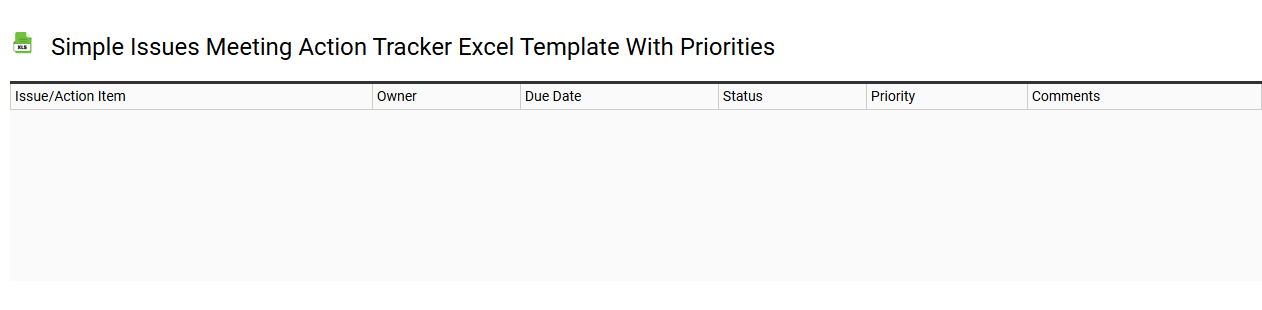
Simple issues meeting action tracker Excel template with priorities
💾 Simple issues meeting action tracker Excel template with priorities template .xls
A Simple Issues Meeting Action Tracker Excel template serves as a structured tool for organizing and managing issues identified during meetings. It typically includes columns for issue descriptions, assigned team members, deadlines, and priority levels, allowing you to easily monitor progress and accountability. You can prioritize tasks based on urgency or impact, ensuring that critical items are addressed promptly. This organized approach not only aids in immediate task management but also has potential for integration with advanced project management methodologies, such as Agile or Scrum, to enhance team efficiency and productivity.
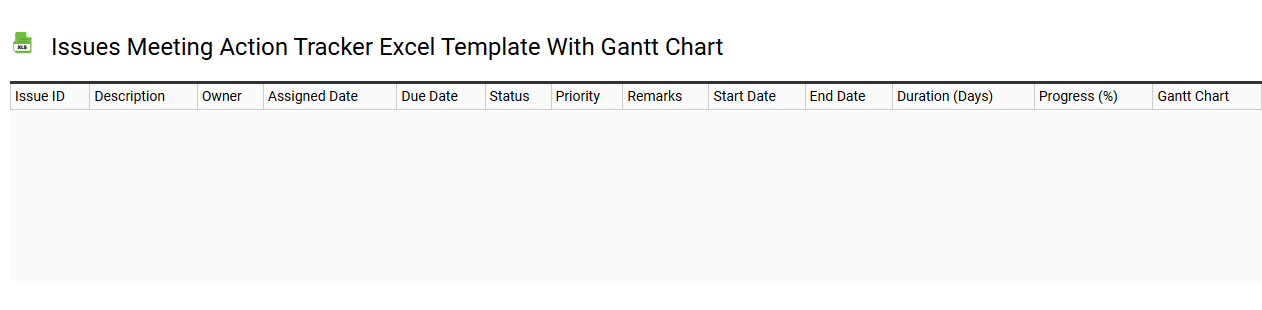
Issues meeting action tracker Excel template with Gantt chart
💾 Issues meeting action tracker Excel template with Gantt chart template .xls
An Issues Meeting Action Tracker Excel template with a Gantt chart serves as an effective organizational tool for managing project tasks and tracking issues. This template allows you to document action items, assign responsibilities, and set deadlines while visually representing progress through a Gantt chart, helping you observe the timeline of each task relative to the entire project. You can easily update the status of each item, ensuring that all team members remain informed and accountable. This setup enhances collaborative efforts and provides clarity on project milestones and deadlines while you may also explore features like conditional formatting or pivot tables to further streamline your management processes.
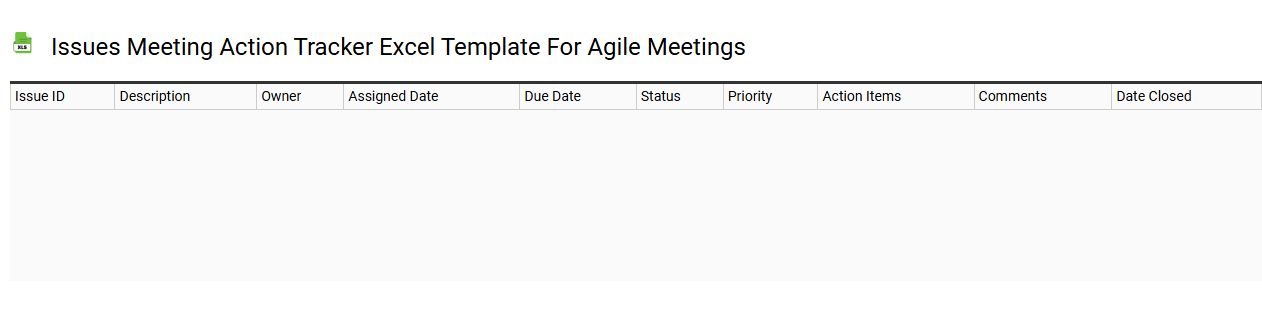
Issues meeting action tracker Excel template for agile meetings
💾 Issues meeting action tracker Excel template for agile meetings template .xls
The Issues Meeting Action Tracker Excel template is a structured spreadsheet designed specifically for tracking actions and issues discussed during agile meetings. Each row typically represents a distinct issue or action item, detailing essential information such as the description, owner, due date, and status. This organized format allows team members to quickly update and review progress, fostering transparency and accountability within the agile framework. By utilizing this template, you can streamline your meeting processes, while also addressing potential future needs like backlog refinement and sprint reviews, enhancing your overall project management efficiency.
Printable issues meeting action tracker Excel template
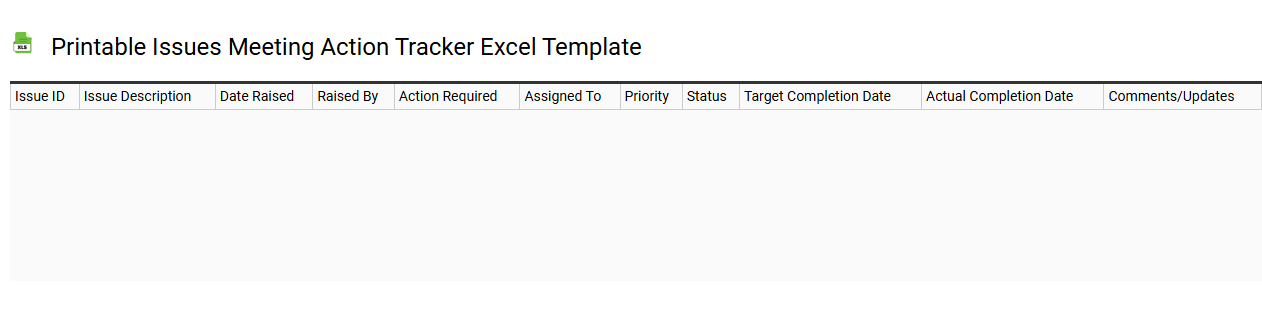
💾 Printable issues meeting action tracker Excel template template .xls
A Printable Issues Meeting Action Tracker Excel template is a designed spreadsheet tool that helps teams document, track, and manage action items arising from meetings. You can input specific issues discussed, assigning responsibilities, due dates, and status updates, which enhances accountability and clarity in team processes. This template offers a structured layout, making it easy for you to review outstanding tasks and quickly identify unresolved issues. Beyond basic tracking needs, this template can be adapted for advanced project management techniques using Gantt charts or integrated dashboards for real-time monitoring.
Issues meeting action tracker Excel template with filter and sorting
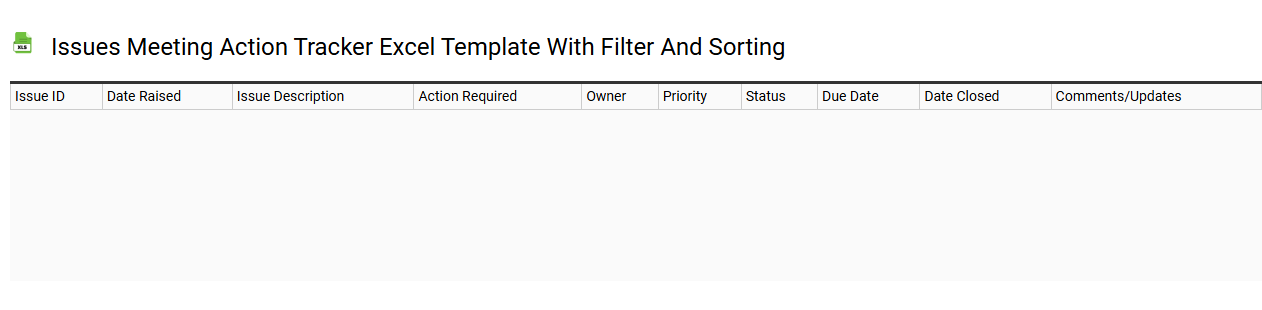
💾 Issues meeting action tracker Excel template with filter and sorting template .xls
An Issues Meeting Action Tracker Excel template is designed to help you effectively manage and track action items arising from meetings. This template often includes fields for issue descriptions, assigned owners, deadlines, and status updates, allowing you to monitor progress at a glance. With built-in filter and sorting functionalities, you can easily prioritize tasks based on urgency or owner, ensuring nothing falls through the cracks. Basic usage can evolve into more advanced needs like integrating automated reminders or dynamic dashboards to visualize your action items and their statuses.