
Explore a range of free Excel templates specifically designed for hourly payroll management. These templates allow you to input employee hours, calculate wages, and track deductions with ease. With user-friendly layouts and formulas built-in, you can efficiently manage payroll while ensuring accuracy and compliance with labor regulations.
Hourly payroll Excel template with formulas
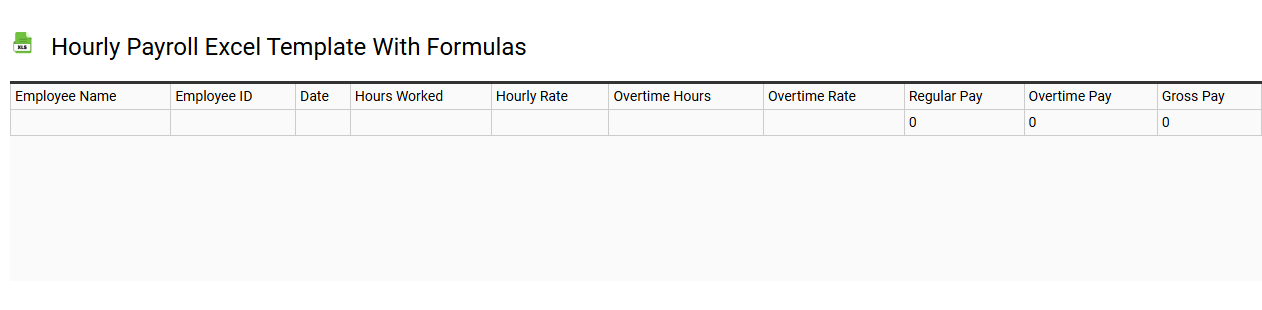
💾 Hourly payroll Excel template with formulas template .xls
An Hourly Payroll Excel template with formulas streamlines the process of calculating employee wages based on hourly rates and hours worked. It typically includes columns for employee names, hourly rates, hours worked, and automatic calculations for gross pay, deductions, and net pay. Formulas embedded in the template ensure accurate calculations, updating automatically with any changes to hours or rates. This tool simplifies payroll management and can be expanded for advanced functionalities such as tax computations and benefits tracking, catering to complex payroll requirements.
Free hourly payroll Excel template download
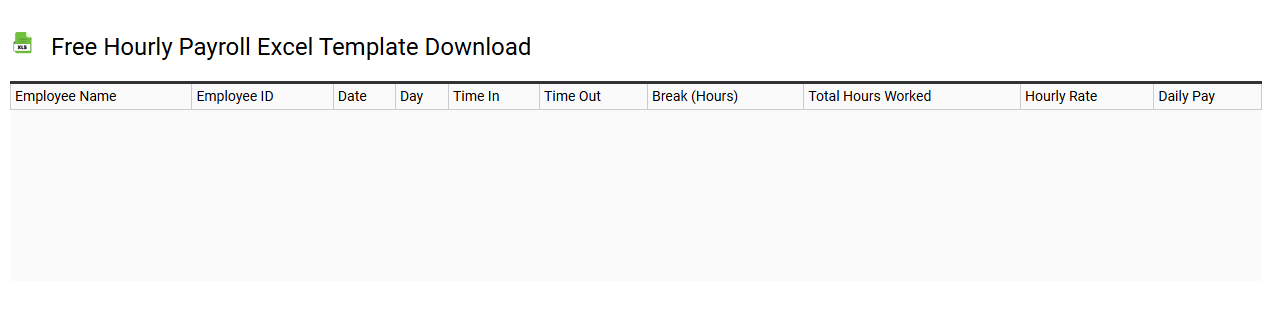
💾 Free hourly payroll Excel template download template .xls
Free hourly payroll Excel template allows you to efficiently manage employee compensation based on hourly wages. This user-friendly spreadsheet typically includes fields for employee names, hours worked, pay rate, and total earnings, enabling quick calculations. Customizable to fit your specific business needs, it can also track deductions like taxes and benefits, providing a clear picture of net pay. You can start with basic functionalities and expand to more advanced features like automated tax calculations or integration with accounting software as your payroll requirements evolve.
Simple hourly payroll Excel template for small business
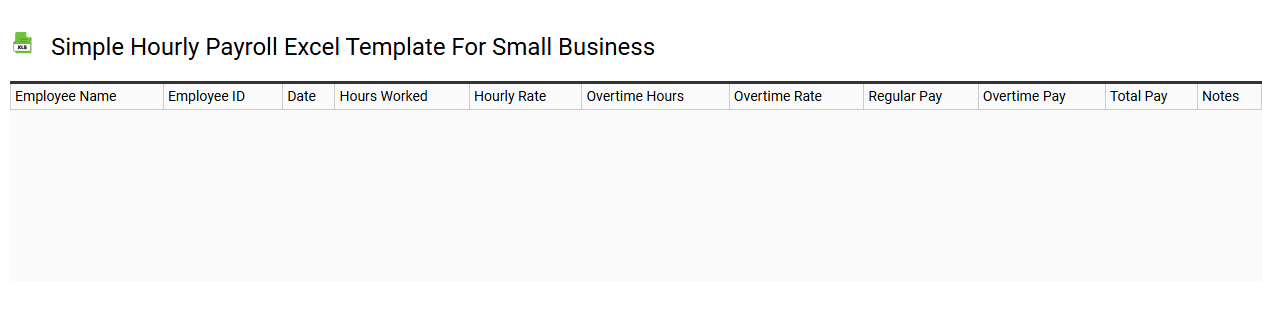
💾 Simple hourly payroll Excel template for small business template .xls
A Simple Hourly Payroll Excel Template for small businesses streamlines the process of tracking employee hours and calculating wages. This user-friendly tool typically includes columns for employee names, identification numbers, hourly rates, total hours worked, and gross pay. You can easily input data each pay period, ensuring accuracy and efficiency in payroll management. Understanding the basic usage of this template lays the foundation for exploring advanced features like automated calculations, integration with accounting software, or customizable reports tailored to your specific business needs.
Printable hourly payroll Excel template worksheet
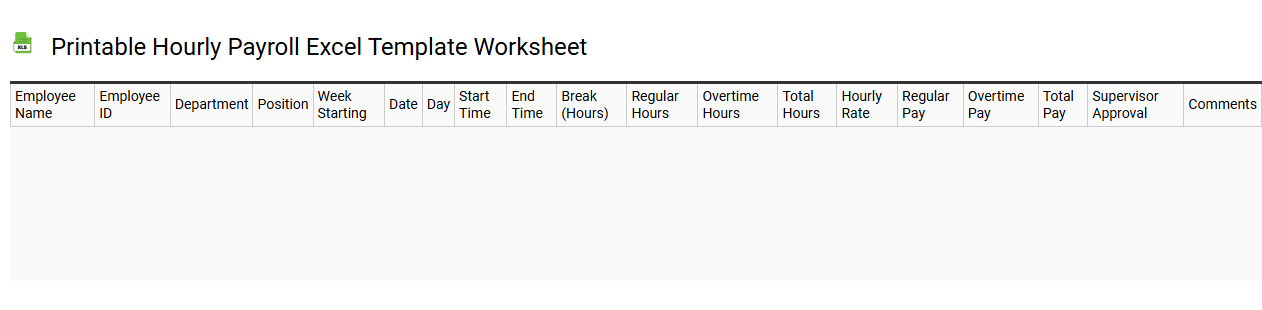
💾 Printable hourly payroll Excel template worksheet template .xls
A printable hourly payroll Excel template worksheet serves as a structured tool to help businesses accurately track employee hours worked, calculate wages, and manage payroll efficiently. This template typically includes fields for employee names, hourly rates, total hours worked, overtime calculations, and gross earnings. Users can input weekly or biweekly hours, allowing for straightforward payroll processing that ensures compliance with labor regulations. Such a template can support basic payroll functions while offering potential for advanced features like automated tax calculations, integration with accounting software, and custom reporting based on your specific payroll needs.
Biweekly hourly payroll Excel template
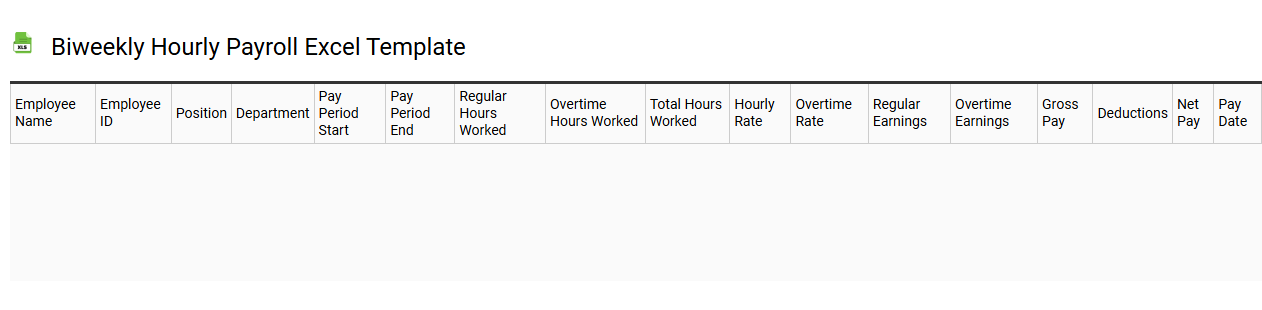
💾 Biweekly hourly payroll Excel template template .xls
A biweekly hourly payroll Excel template is a pre-designed spreadsheet that helps businesses track and manage employee wages based on biweekly pay periods. It typically includes sections for recording employees' names, hours worked, hourly rates, and any deductions or bonuses. Calculations are built into the template, allowing for easy determination of gross pay, net pay, and overtime. You can customize this essential tool to suit your company's specific needs, simplifying payroll processes and enhancing accuracy in reporting and compliance with regulations, along with the potential for integrating it with advanced payroll systems or software for further automation.
Hourly payroll Excel template with overtime calculation
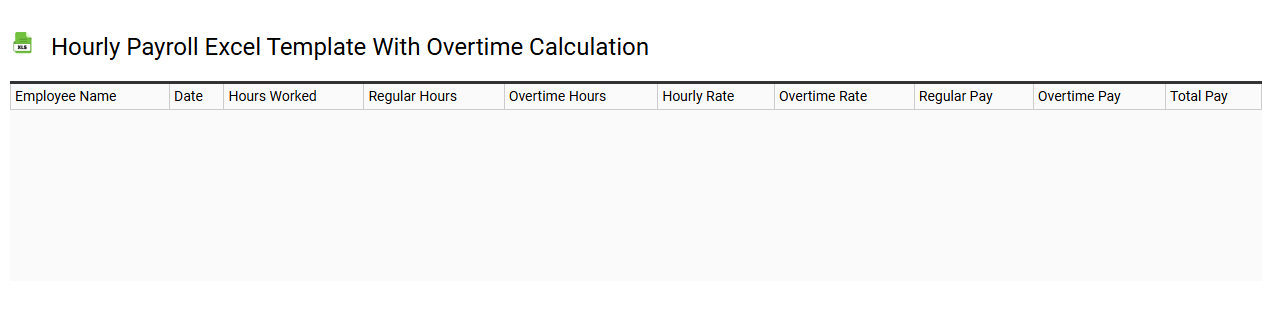
💾 Hourly payroll Excel template with overtime calculation template .xls
Hourly payroll Excel templates streamline payroll processing by allowing you to track employee hours, calculate wages, and compute overtime easily. These templates typically include designated sections for tracking regular hours worked, overtime hours, and applicable pay rates. Formulas automate the calculation of gross pay, integrating overtime rates in accordance with labor laws. You can use this template for basic payroll needs while advanced users may benefit from customizing it to include functions like tax calculations, benefits deductions, or performance bonuses.
Customizable hourly payroll Excel template
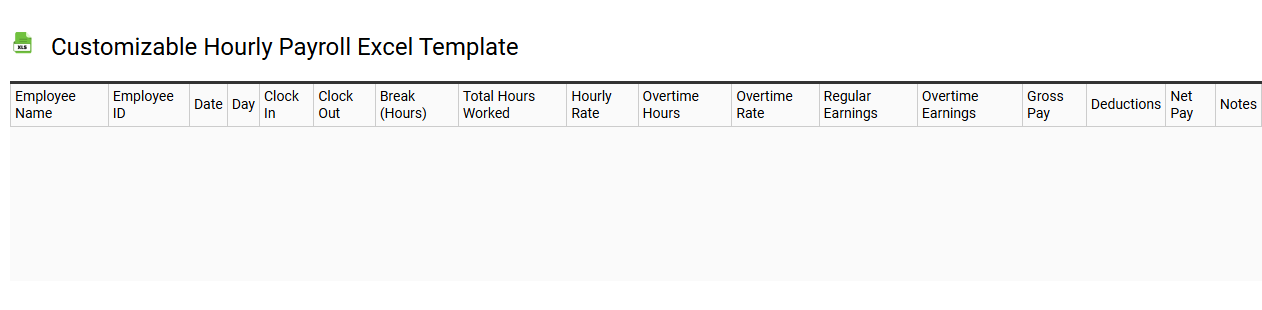
💾 Customizable hourly payroll Excel template template .xls
A customizable hourly payroll Excel template allows organizations to efficiently track employee hours worked and calculate payroll based on varying hourly rates. This type of template typically includes essential fields such as employee names, hours worked per day, and overtime calculations, enabling straightforward data entry. Users can modify the layout to suit specific business requirements, adding rows for new employees or adjusting formulas for different pay rates. Beyond basic payroll calculations, you may explore advanced features like automated tax deductions, integration with accounting software, or detailed reporting functionalities.
Employee hourly payroll Excel template for multiple employees
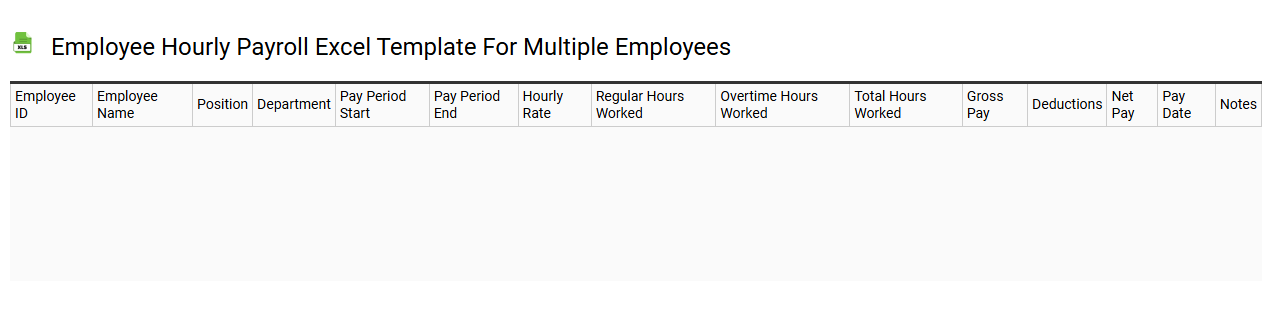
💾 Employee hourly payroll Excel template for multiple employees template .xls
An Employee Hourly Payroll Excel template is a structured spreadsheet designed to help businesses calculate and manage the wages of multiple hourly employees. This tool typically includes columns for employee names, identification numbers, hourly rates, regular hours worked, overtime hours, and total earnings. Additional features may encompass tax deductions, benefits, and accumulated leave, making payroll calculation straightforward and accurate. As your needs grow, you might explore integrating features such as automatic tax calculations, reporting for different accounting periods, or even linking the spreadsheet to payroll software for real-time updates.
Automated hourly payroll Excel template
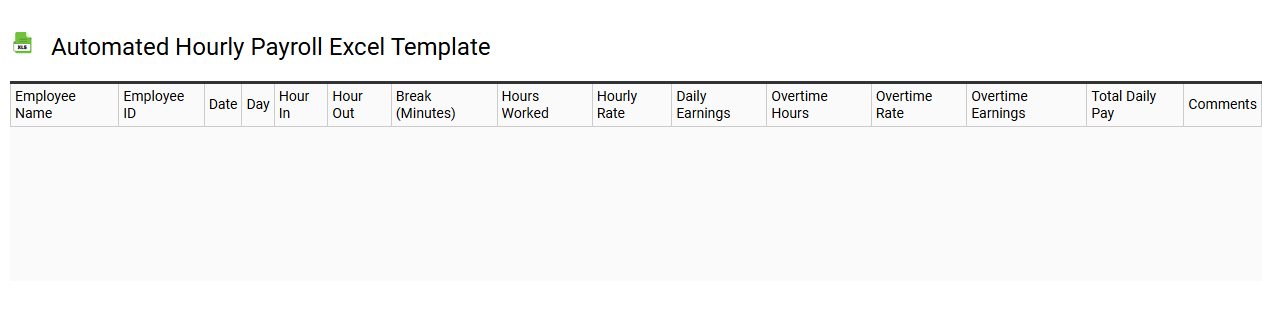
💾 Automated hourly payroll Excel template template .xls
An Automated Hourly Payroll Excel template simplifies the process of calculating employee wages based on hours worked. It typically includes pre-set formulas that automatically compute gross pay, deductions, and net pay, ensuring accuracy with minimal effort. User-friendly features allow you to input employee hours, rates, and any applicable overtime, streamlining payroll management. This template serves as a basic tool for payroll tasks, with potential for further customization to meet advanced requirements like tax compliance and integration with HR software.
Blank hourly payroll Excel template for manual entry
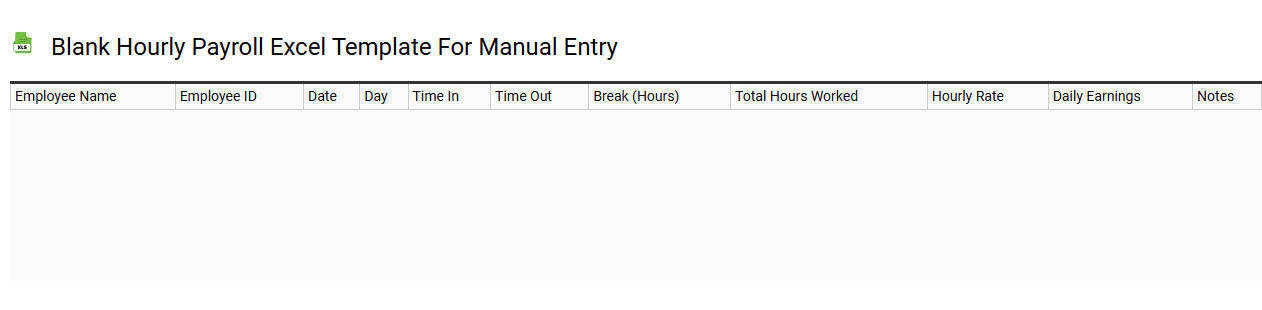
💾 Blank hourly payroll Excel template for manual entry template .xls
The Blank Hourly Payroll Excel Template is an organized spreadsheet designed for tracking employee hours and calculating payroll manually. It typically includes columns for employee names, hours worked, hourly rates, and total earnings, allowing for straightforward entry and calculations. You can easily customize this template to fit your organization's specific needs, ensuring accurate record-keeping and compliance with payroll regulations. For basic usage, this template suffices, but further potential needs may include integration with advanced payroll software or the use of macros for automated calculations.