
Explore numerous free XLS templates designed specifically for expense tracking in Excel. These templates come equipped with user-friendly layouts, allowing you to easily input and manage your financial data. Customizable categories and summary features enable you to gain insights into your spending patterns, helping you take control of your financial health.
Family expense tracker Excel template
💾 Family expense tracker Excel template template .xls
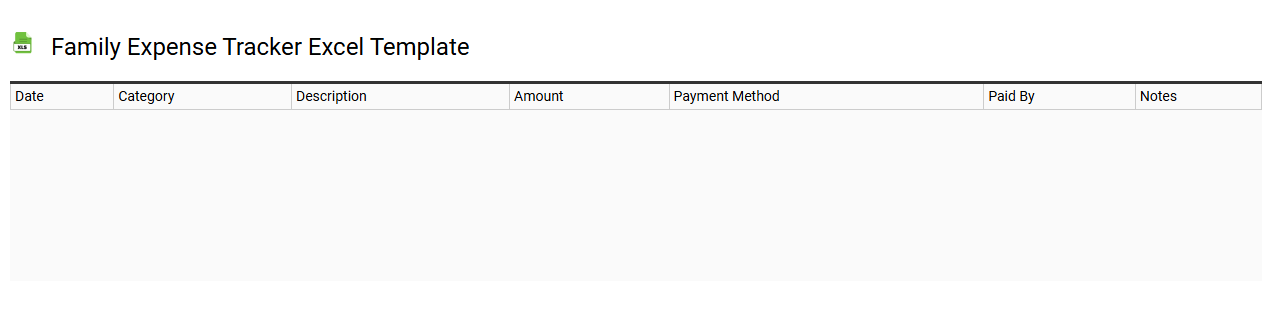
A Family Expense Tracker Excel template is a pre-designed spreadsheet designed to help families record, manage, and analyze their monthly or yearly expenses. It typically features categories for different types of spending, such as groceries, utilities, transportation, and entertainment, allowing for a clear view of where money is allocated. The template often includes formulas for calculating totals, which helps identify trends and areas where savings can be achieved. You can customize these templates further to meet specific financial tracking needs, such as budgeting limits or incorporating pivot tables for advanced data analysis and visualization.
Bills payment tracker Excel template
💾 Bills payment tracker Excel template template .xls
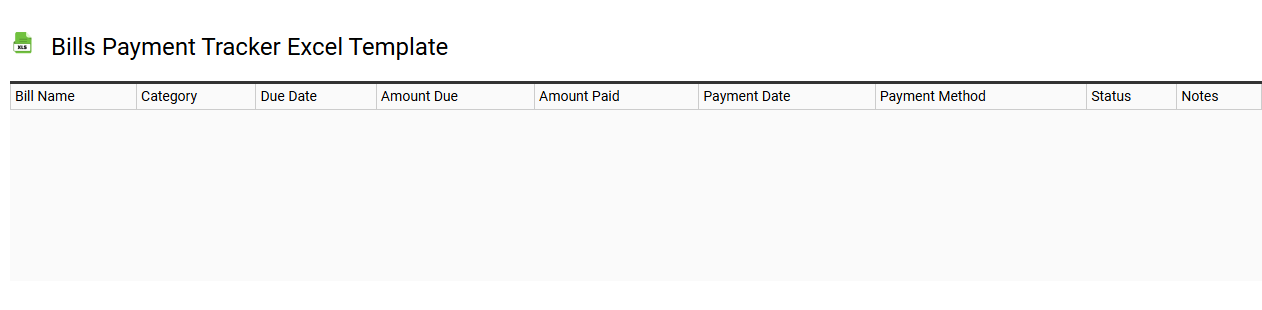
A Bills Payment Tracker Excel template is a structured spreadsheet designed to help individuals manage and monitor their monthly expenses and bill payments. It typically includes columns for bill names, due dates, amounts, payment statuses, and any related notes, providing a clear overview of financial obligations. You can customize it to suit your needs, such as adding reminders or categorizing bills by type, like utilities or subscriptions. This tool not only simplifies the tracking of payments but also aids in budget planning, and you can enhance its functionality with advanced formulas, pivot tables, or conditional formatting for deeper financial insights.
Home expense tracker Excel template
💾 Home expense tracker Excel template template .xls
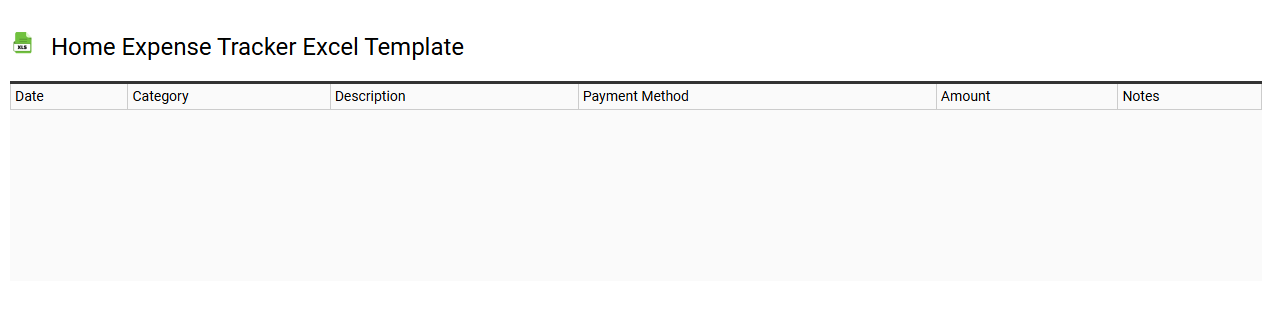
A Home Expense Tracker Excel template is a pre-designed spreadsheet that enables you to monitor and manage your household expenditures efficiently. This template typically includes categories for fixed and variable expenses, such as utilities, groceries, and entertainment, allowing you to input data easily. With built-in formulas, it automatically calculates totals, tracks spending trends, and provides visual representations through charts for quick insights into your financial habits. This basic tool can evolve into a more advanced financial management system, incorporating features like budgeting, forecasting, and financial goal setting.
Travel expense tracker Excel template
💾 Travel expense tracker Excel template template .xls
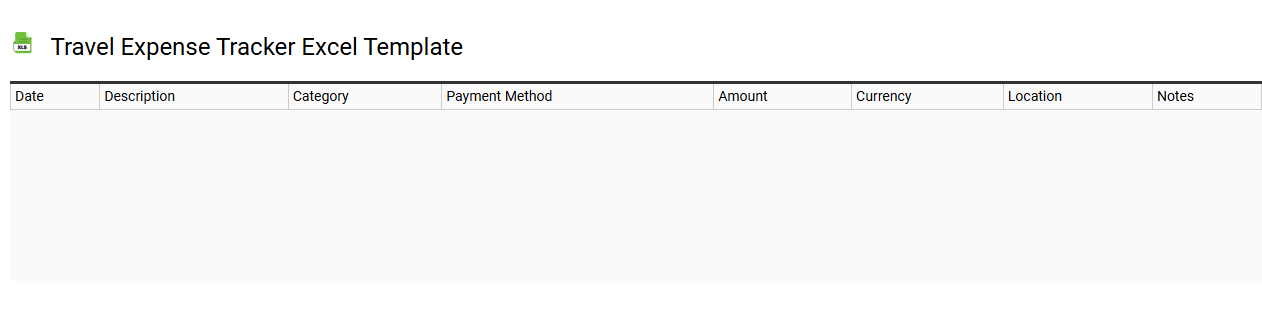
Travel expense tracker Excel templates are specially designed spreadsheets that help individuals and businesses monitor and manage travel-related costs efficiently. These templates typically include predefined categories for accommodation, transportation, meals, and other expenses, allowing for organized data entry without any hassle. Users can easily input their travel expenses, calculate totals, and even categorize them for better analysis and reporting. You can modify and expand these templates to include advanced formulas or pivot tables for more comprehensive financial analysis and forecasting needs.
Daily expense tracker Excel template
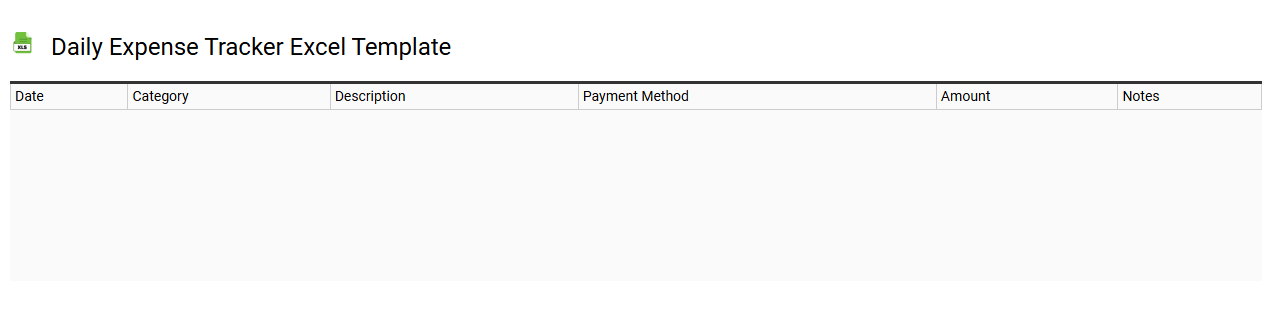
💾 Daily expense tracker Excel template template .xls
A Daily Expense Tracker Excel template is a customizable spreadsheet designed to help individuals monitor their daily spending habits. It typically features categories for various expenses, such as groceries, utilities, transportation, and entertainment, allowing you to keep a clear overview of your financial activities. The template can include automated functions to calculate total expenses, assess monthly spending patterns, and generate visual charts for better insights. By using this tool, you gain the foundational ability to manage your finances more effectively while also paving the way for advanced analytical techniques like forecasting and budgeting projections.
Business expense tracker Excel template
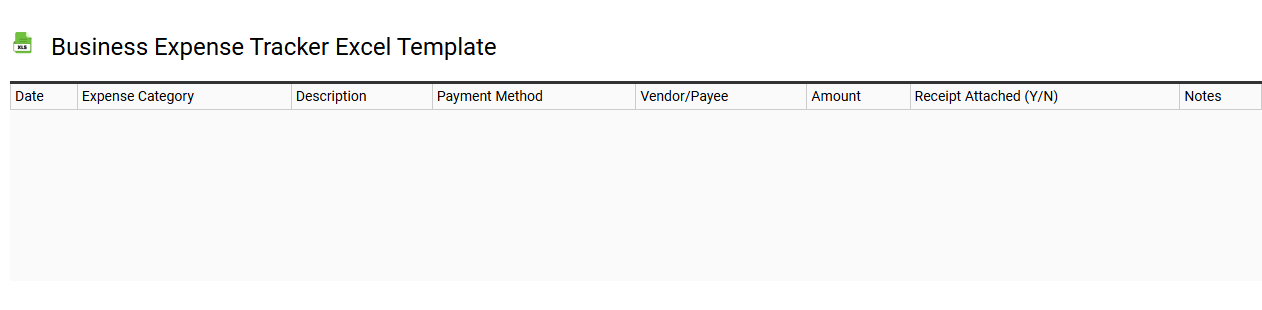
💾 Business expense tracker Excel template template .xls
A Business Expense Tracker Excel template is a pre-designed spreadsheet that helps individuals and organizations monitor their business-related expenditures systematically. This template typically includes categories such as office supplies, travel costs, utilities, and salaries, allowing for organized data entry and analysis. With built-in formulas, it automatically calculates totals, averages, and other financial indicators, making expense management seamless and efficient. For basic usage, it can help you keep track of daily expenses, while potential needs could extend to advanced analytics, budgeting forecasts, and integration with accounting software.
Student expense tracker Excel template
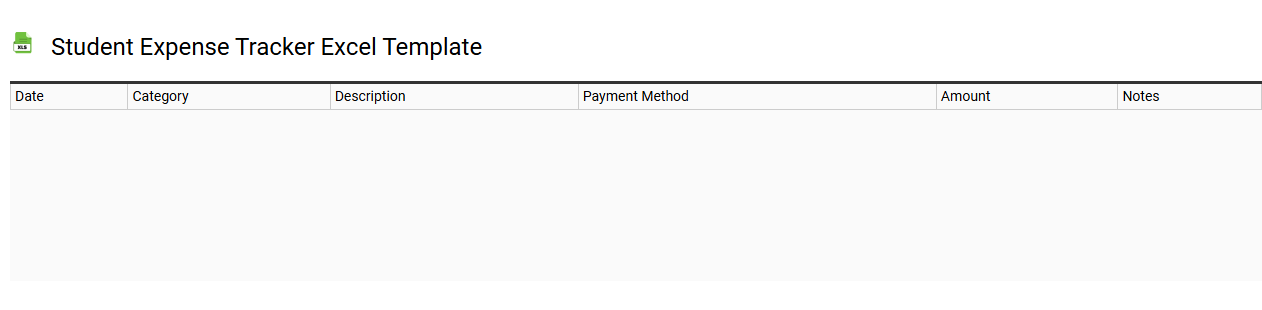
💾 Student expense tracker Excel template template .xls
A Student Expense Tracker Excel template is a pre-designed spreadsheet that helps students monitor and manage their spending. It typically includes categories for tuition fees, textbooks, housing, food, transportation, and entertainment, allowing users to input their expenses easily. The template often features built-in formulas to calculate totals and track monthly or yearly spending patterns, making budgeting straightforward. Understanding this tool can help you identify areas for savings, laying the groundwork for basic financial literacy and potentially more advanced financial analytics or investment tracking in the future.
Simple expense tracker Excel template
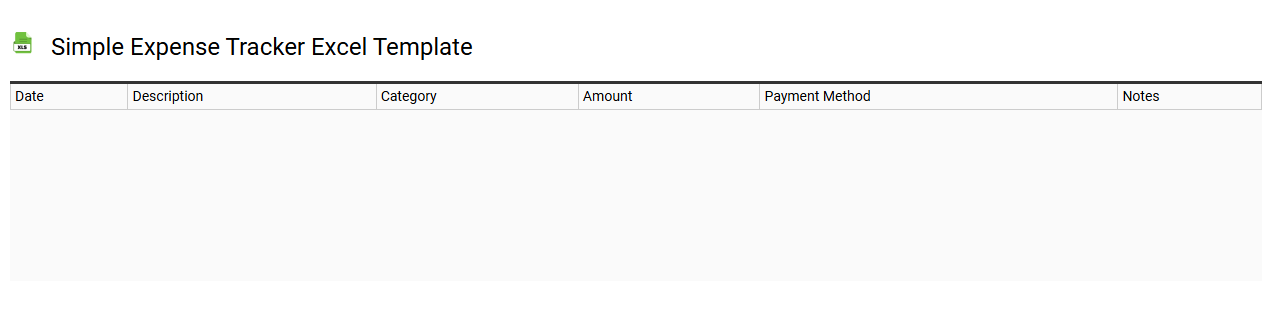
💾 Simple expense tracker Excel template template .xls
A Simple Expense Tracker Excel template is a user-friendly spreadsheet designed to help individuals manage their spending efficiently. This template typically includes categories for various expenses, such as groceries, utilities, transportation, and entertainment, allowing you to input and categorize transactions easily. It often features built-in formulas to calculate total expenses, remaining budget, and even month-to-month comparisons, offering a clear overview of your financial habits. Basic usage may grow into more advanced needs, such as incorporating charts for visual analysis or implementing macros for automation.