
Explore a variety of free XLS templates for your weekly tracking needs in Excel. These templates come equipped with organized sections for tracking tasks, deadlines, and progress, allowing you to stay focused and efficient. Each sheet offers customizable features to cater to your specific requirements, ensuring that you can tailor the layout and categories to best suit your workflow.
Weekly expense tracking Excel template
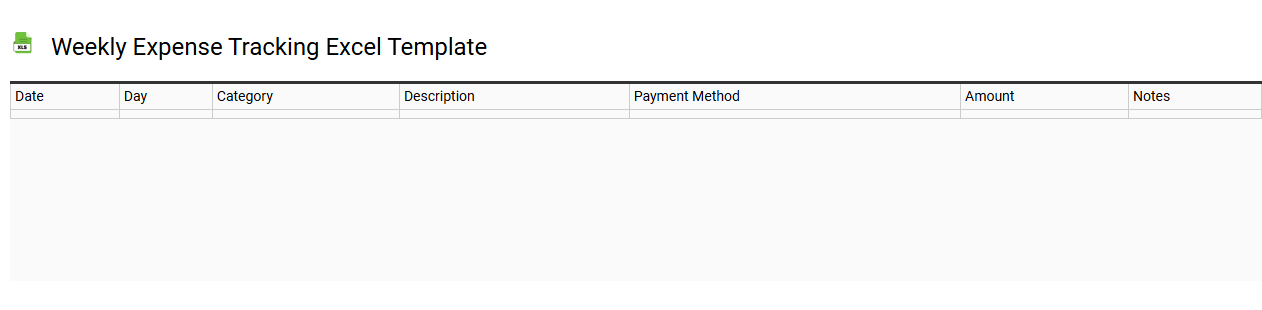
💾 Weekly expense tracking Excel template template .xls
A Weekly Expense Tracking Excel template is a structured spreadsheet designed to help individuals or families monitor their spending throughout a week. It typically includes categorized sections, such as groceries, utilities, entertainment, and transportation, allowing for easy data entry and organization. The template often features visual aids like graphs or charts to illustrate spending trends, making it easier to identify areas where you might overspend. For those looking to go beyond basic tracking, advanced features like budget forecasting and analysis of spending patterns can be integrated into the sheet.
Weekly project tracking Excel template
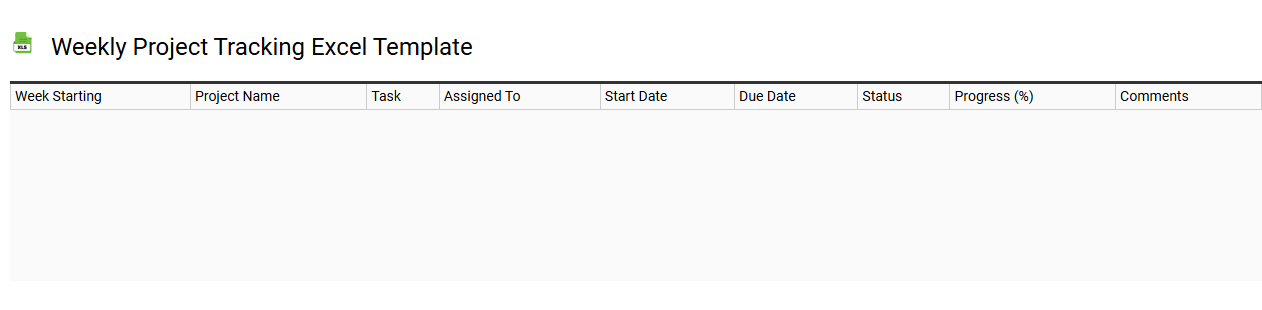
💾 Weekly project tracking Excel template template .xls
A Weekly project tracking Excel template is a structured tool designed to help you monitor and manage the progress of various tasks within a project on a weekly basis. This template typically includes sections for task descriptions, assigned team members, deadlines, completion status, and any notes or comments on challenges faced. You can visually represent data with charts or conditional formatting, allowing for quick assessments of project health and timelines. For basic usage, you may track task completion and deadlines, but to fully leverage the template, consider integrating advanced features like automated alerts and pivot tables for complex project analysis.
Weekly employee attendance tracking Excel template
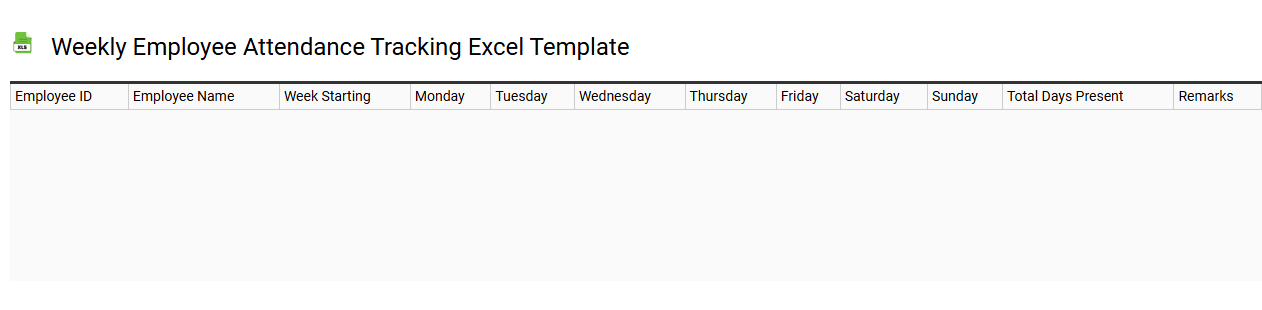
💾 Weekly employee attendance tracking Excel template template .xls
A weekly employee attendance tracking Excel template provides a structured framework for monitoring and recording employee attendance over a seven-day period. This template typically includes columns for employee names, days of the week, check-in and check-out times, and status indicators such as present, absent, or late. Such a tool aids in identifying attendance patterns and can streamline payroll processing by ensuring accurate tracking of hours worked. You can use this template for basic attendance management, while also exploring more advanced features like integration with automated reports or analytics dashboards to enhance workforce management capabilities.
Weekly sales tracking Excel template
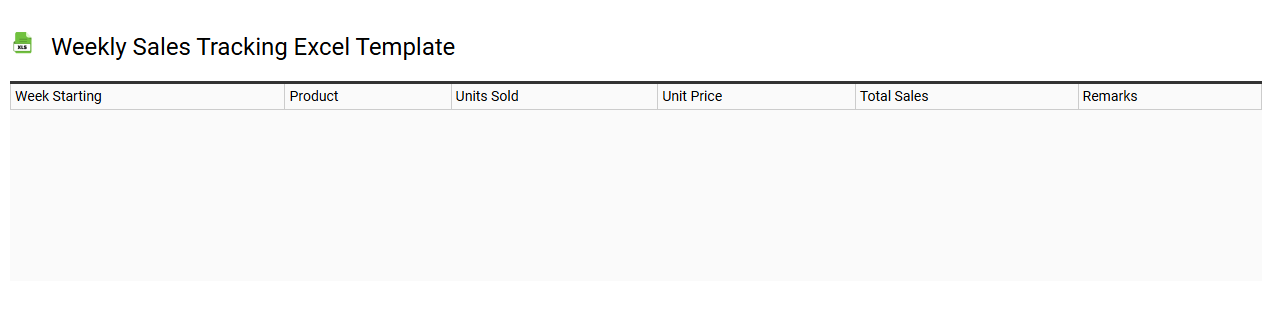
💾 Weekly sales tracking Excel template template .xls
A Weekly Sales Tracking Excel template is a structured tool designed to help businesses manage and analyze their sales data on a weekly basis. It typically includes fields for recording key metrics such as total sales, number of units sold, sales targets, and performance against those targets. Visual elements like charts and graphs may be included for quick insights into sales trends and patterns over time. You can utilize this template to streamline your reporting process and identify areas needing improvement, ultimately supporting more advanced analytics like forecasting and trend analysis.
Weekly progress tracking Excel template
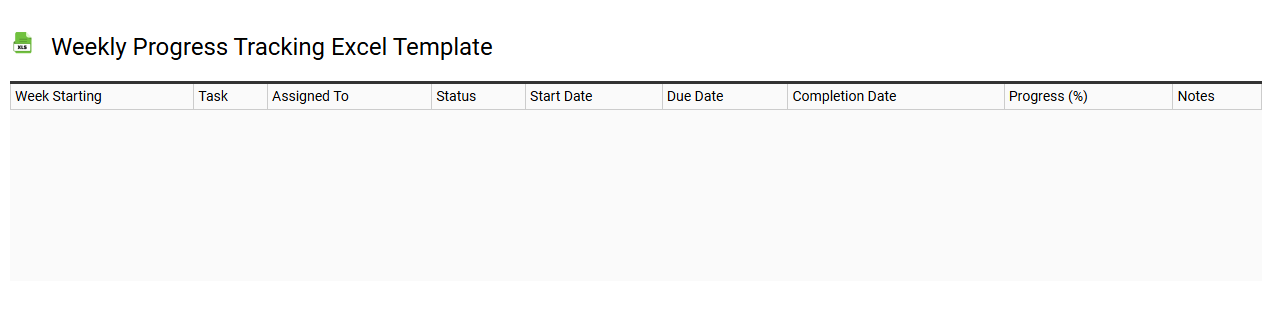
💾 Weekly progress tracking Excel template template .xls
A Weekly Progress Tracking Excel template offers an organized structure for monitoring tasks, goals, and achievements over a seven-day period. It typically includes sections for task descriptions, completion status, deadlines, and notes, enabling you to visualize your productivity and areas needing improvement. Customizable fields allow for tailored monitoring according to individual or team objectives, while conditional formatting can highlight achievements and overdue tasks. This straightforward tool can serve basic tracking needs, and for further potential, consider integrating advanced analytics or project management features.
Weekly inventory tracking Excel template
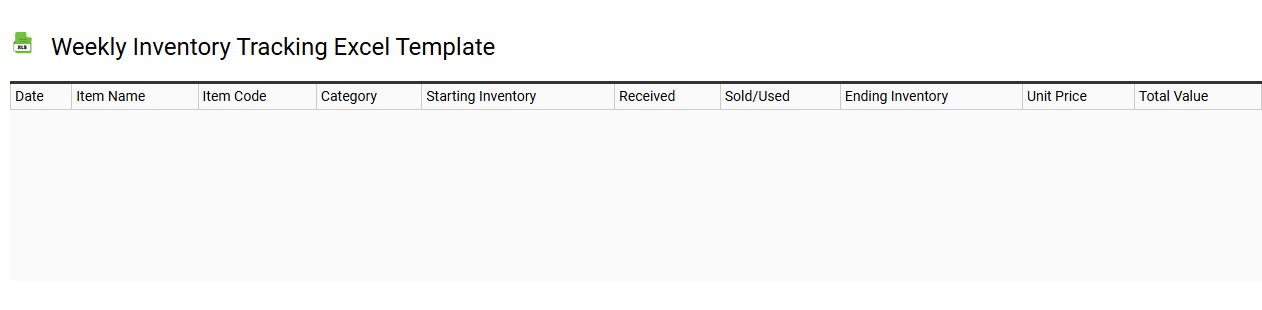
💾 Weekly inventory tracking Excel template template .xls
A weekly inventory tracking Excel template is a structured spreadsheet designed to help businesses manage and monitor their inventory levels effectively. This template typically includes essential columns such as item name, SKU (Stock Keeping Unit), quantity on hand, reorder level, and supplier information. It simplifies the process of updating stock levels and assists in identifying trends in inventory usage over time. By utilizing this template, you can ensure timely reordering, minimize stockouts, and maintain optimal inventory levels, with potential expansion into advanced features like forecasting and automated alerts.
Weekly habit tracking Excel template
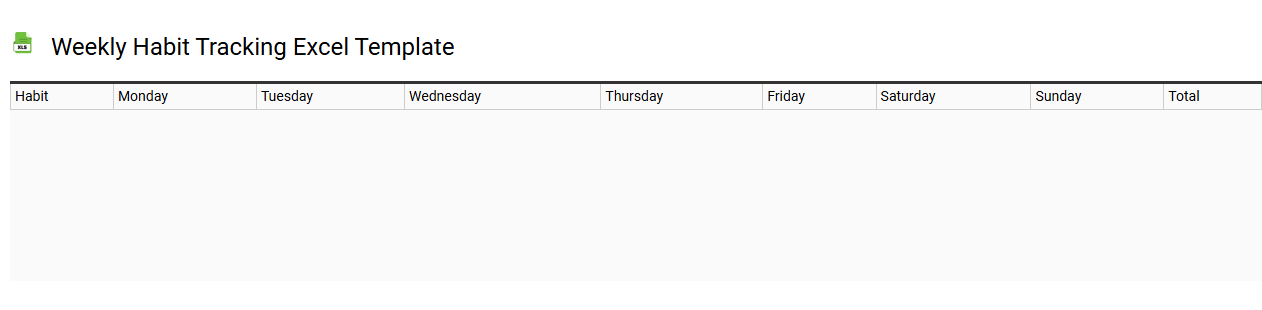
💾 Weekly habit tracking Excel template template .xls
A weekly habit tracking Excel template is a customizable spreadsheet designed to help you monitor and reinforce your daily habits over the course of a week. This tool typically includes a grid layout where you can input various habits, track your progress through checkboxes or numerical entries, and visualize your achievements through graphs or color-coded systems. It allows you to set specific goals for each habit, providing motivation by displaying trends and patterns in your behavior. You can easily adapt the template to cater to more advanced needs, such as integrating conditional formatting, pivot tables, or macros for automated insights.
Weekly goal tracking Excel template
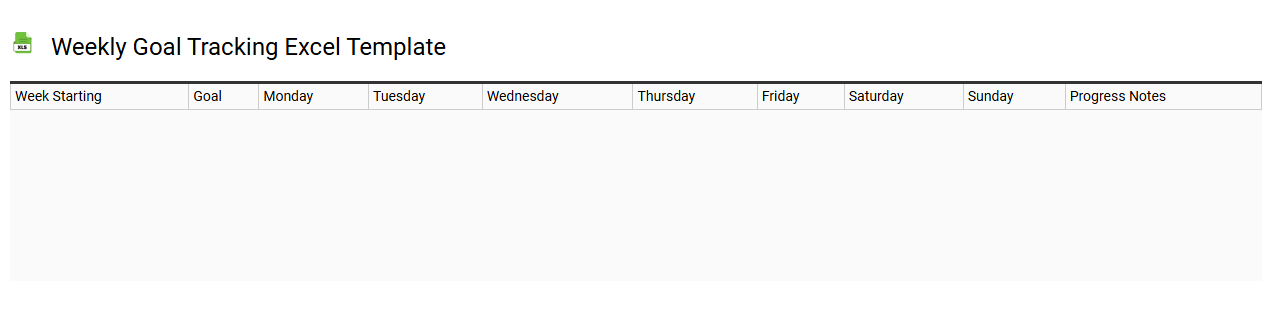
💾 Weekly goal tracking Excel template template .xls
A Weekly Goal Tracking Excel template serves as a structured tool to systematically monitor your objectives and achievements over the course of a week. It typically includes sections for setting specific goals, outlining action steps, and recording progress for each day. You can also incorporate columns to reflect on challenges faced or successes experienced, fostering a deeper understanding of your productivity patterns. This template not only facilitates basic goal tracking but can be adapted for more sophisticated project management methodologies, including Gantt charts or performance metrics analysis for broader strategic initiatives.