
Explore an array of free Excel templates designed specifically for remote work attendance tracking. Each template provides customizable fields to enter employee names, work hours, and project details, making it easy to monitor productivity. These user-friendly formats allow you to efficiently manage attendance records, ensuring accountability and streamlined reporting.
Remote work attendance tracking Excel template
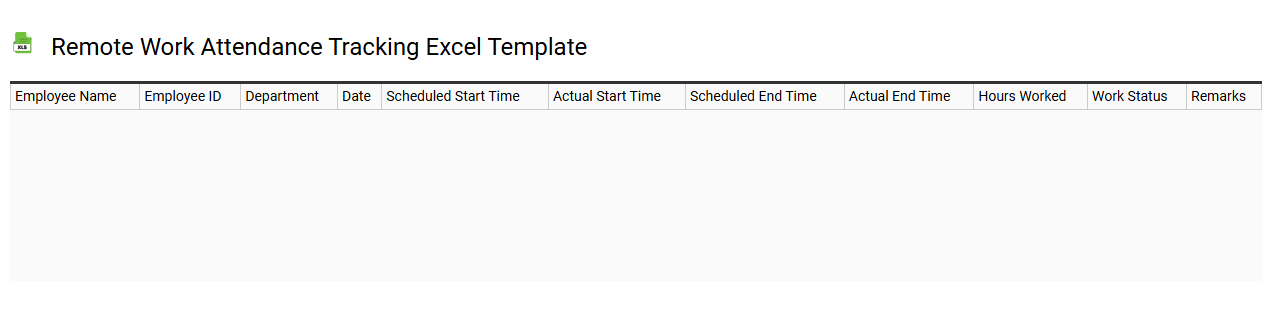
💾 Remote work attendance tracking Excel template template .xls
A Remote Work Attendance Tracking Excel template is a pre-designed spreadsheet that helps manage and record employees' working hours while they operate from home or any remote location. This template typically includes columns for employee names, date, work hours, breaks, and total hours worked. By utilizing formulas, it automates calculations, allowing for quick summaries of attendance data and facilitating payroll processing. You can adapt this tool for more advanced needs, such as integrating performance metrics or utilizing macros for automated reporting.
Employee remote attendance log Excel template
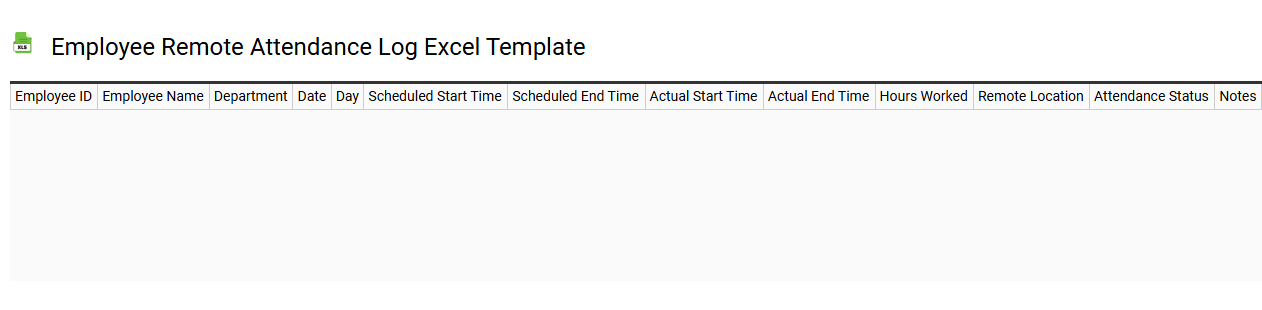
💾 Employee remote attendance log Excel template template .xls
An Employee Remote Attendance Log Excel template is a structured spreadsheet designed to track and manage employee attendance when working remotely. This template allows you to document essential details such as employee names, dates, hours worked, and specific tasks completed. It can include features like drop-down menus for easy selection of attendance status and conditional formatting to highlight absences or tardiness. Beyond basic tracking, this tool can be customized for advanced analytics, including integration of project management metrics and performance evaluations, optimizing remote workforce management.
Daily remote work attendance Excel template
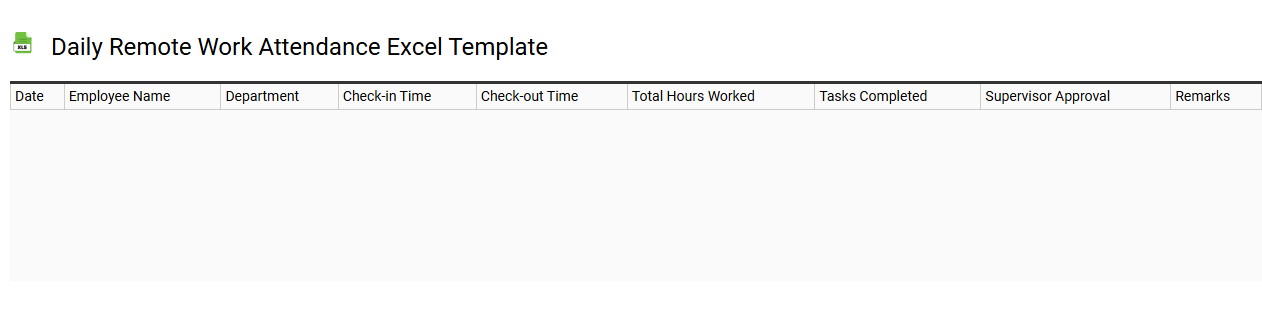
💾 Daily remote work attendance Excel template template .xls
A Daily Remote Work Attendance Excel template is a structured spreadsheet designed to help track employees' attendance and productivity while working from home. It typically includes fields for employee names, dates, start and end times, total hours worked, and notes for any absences or remarks. This tool helps managers maintain an accurate record of attendance, ensure compliance with company policies, and monitor productivity trends over time. You might find it beneficial not only for basic attendance tracking but also for analyzing performance metrics and identifying potential areas for improvement, leading to more advanced workforce management solutions.
Remote team attendance sheet Excel template
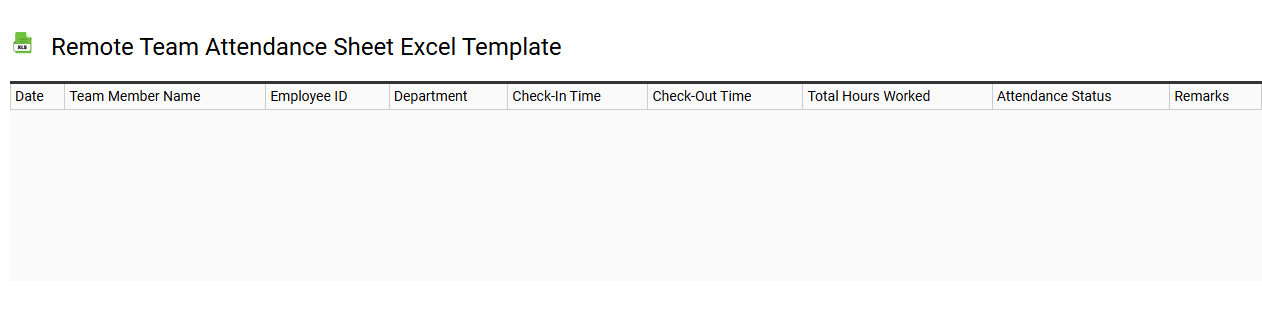
💾 Remote team attendance sheet Excel template template .xls
A Remote Team Attendance Sheet Excel template is a digital tool designed to track the attendance of team members who work in a remote setting. This template typically includes columns for employee names, dates, check-in and check-out times, and total hours worked. Easy to customize, it allows for the addition of categories like leave types, reasons for absence, or project codes tailored to your team's needs. Using this template can streamline attendance tracking while providing further potential for advanced analytics or integration with payroll systems for enhanced reporting.
Work from home attendance record Excel template
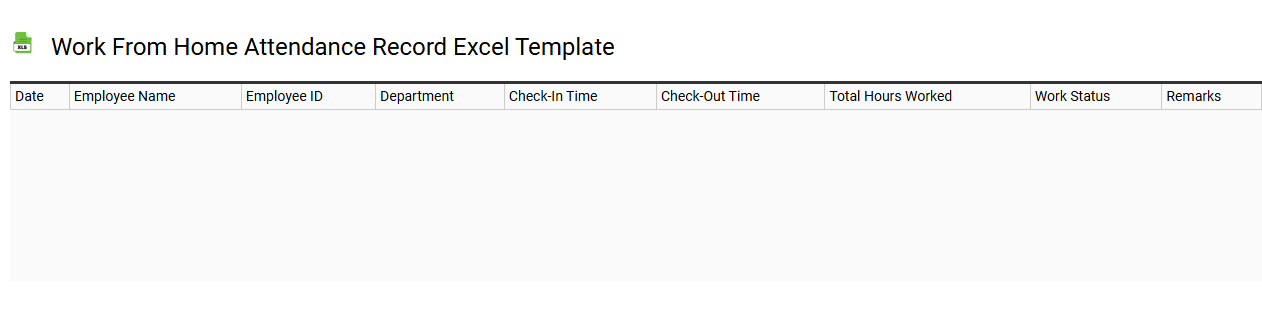
💾 Work from home attendance record Excel template template .xls
A Work from Home Attendance Record Excel template is a structured spreadsheet designed to track employee attendance while remote. It typically includes columns for employee names, dates, hours worked, and any absences or notes regarding attendance. This template facilitates the easy monitoring of work hours and helps maintain accountability. By using this, you can efficiently record attendance patterns, identify trends, and fulfill reporting requirements while also serving as a basis for advanced analytics on remote work productivity.
Monthly remote work attendance Excel template
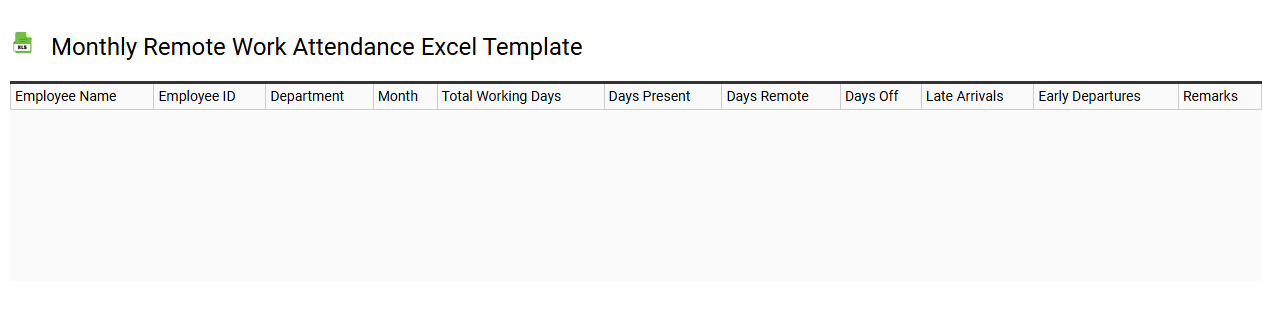
💾 Monthly remote work attendance Excel template template .xls
The Monthly Remote Work Attendance Excel template is a structured tool designed to help teams track employee attendance in a remote working environment. This template typically includes columns for employee names, workdays, hours logged, and total working hours each month. By utilizing this template, you can streamline attendance tracking, making it easier to identify patterns in remote work habits or attendance issues. This foundational tool not only aids in basic attendance monitoring but can be expanded with advanced features like automated reports, data visualization, or integration with payroll systems for comprehensive workforce management.
Remote staff attendance Excel template
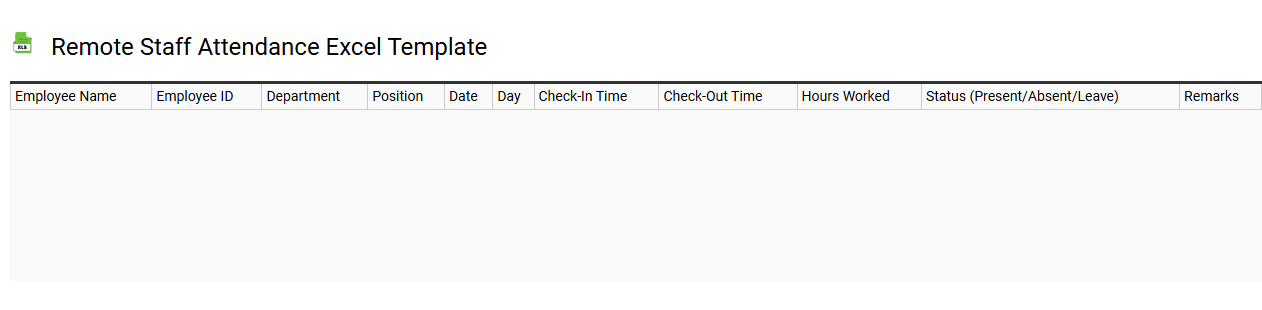
💾 Remote staff attendance Excel template template .xls
A Remote Staff Attendance Excel template is a structured spreadsheet designed to track the attendance of employees who work remotely. This template typically includes features like employee names, dates, timestamps for clocking in and out, and columns for notes regarding absence or lateness. You can customize it to fit your organization's specific needs, making it a valuable tool for monitoring productivity and ensuring accountability. Its basic usage allows for simple attendance logging, while further potential needs could include advanced analytics, automated reporting, or integration with workforce management software.
Free remote attendance Excel template
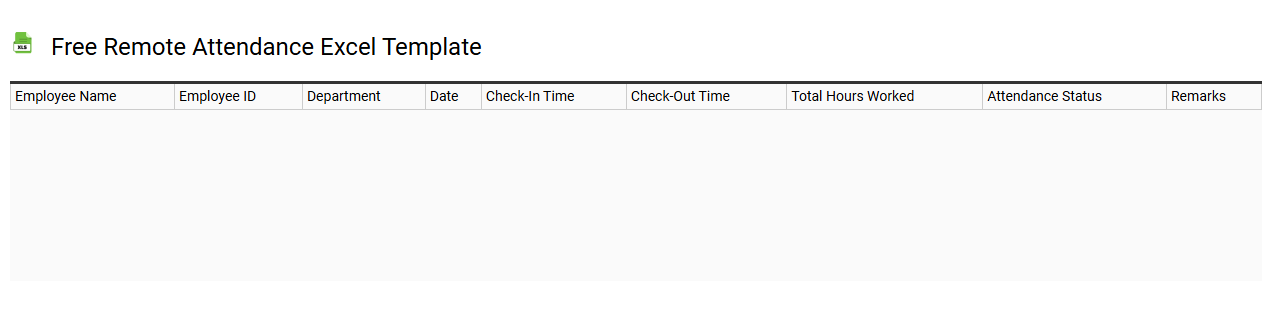
💾 Free remote attendance Excel template template .xls
A Free Remote Attendance Excel Template is a pre-designed spreadsheet that helps you track and manage attendance for remote events, meetings, or classes. It typically includes columns for participant names, dates, times, and status indicators to easily mark attendance and participation. With this template, you can efficiently monitor engagement levels and generate reports for further analysis. This tool is particularly beneficial for organizations adapting to hybrid or fully remote work models, allowing for basic tracking with potential future adaptations for advanced data analytics.
Remote employee check-in Excel template
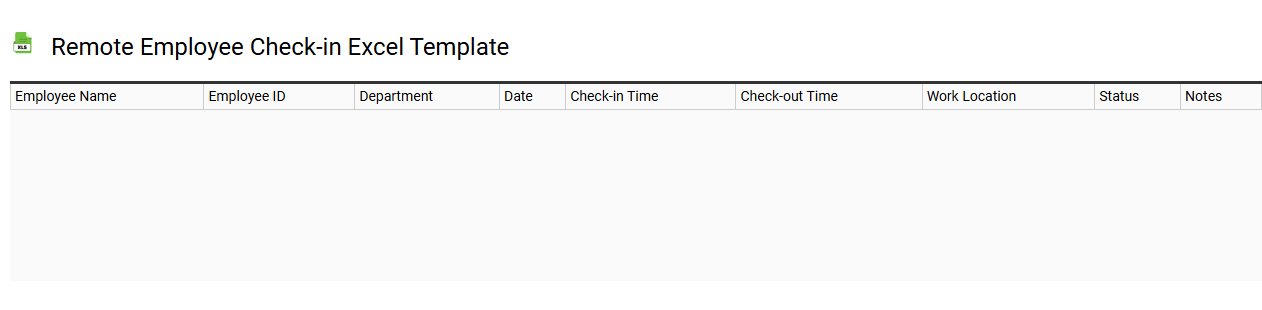
💾 Remote employee check-in Excel template template .xls
A Remote Employee Check-In Excel template is a structured tool designed to facilitate regular communication and updates between remote employees and their managers or teams. This template typically includes columns for employee names, dates, current tasks, accomplishments, challenges faced, and any support needed. With a user-friendly layout, it helps ensure that remote workers stay aligned with team goals and fosters accountability. Basic usage involves tracking daily or weekly progress, while further potential needs may include integrating advanced analytics or performance indicators to enhance productivity insights.
Online remote attendance management Excel template
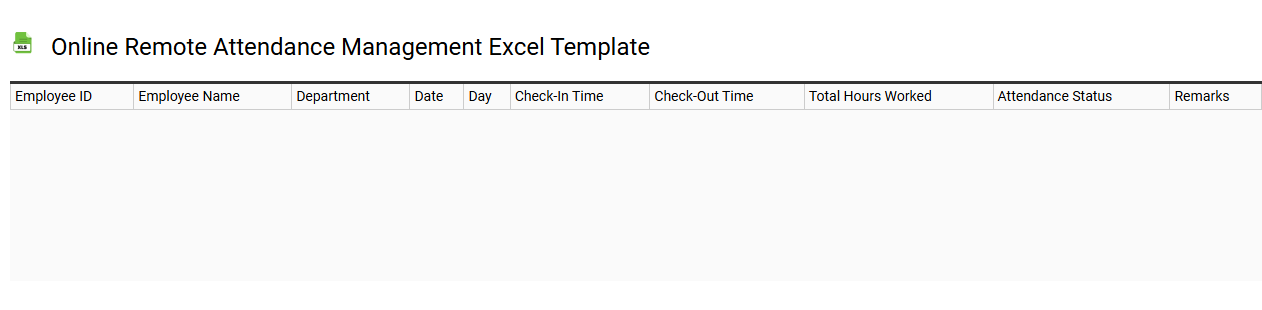
💾 Online remote attendance management Excel template template .xls
An Online Remote Attendance Management Excel Template is a versatile tool designed to track and manage attendance in virtual environments. You can easily record participant names, dates, and times of attendance, facilitating the monitoring of remote work or study sessions. This template allows for seamless data entry and calculation, ensuring accurate reporting of attendance patterns over time. Your usage may begin with simple attendance tracking, but it can also evolve into powerful analytics to assess engagement and productivity, incorporating advanced features such as macros or pivot tables for sophisticated data manipulation.