
Discover a collection of free XLS templates for a Weekly Task Tracker, designed to streamline your task management. Each template includes user-friendly layouts that allow you to input tasks, deadlines, and priority levels, ensuring you stay organized and productive throughout the week. With customizable sections to cater to your unique needs, these templates will help you maintain clarity and focus on your most important activities.
Weekly task tracker Excel template free download
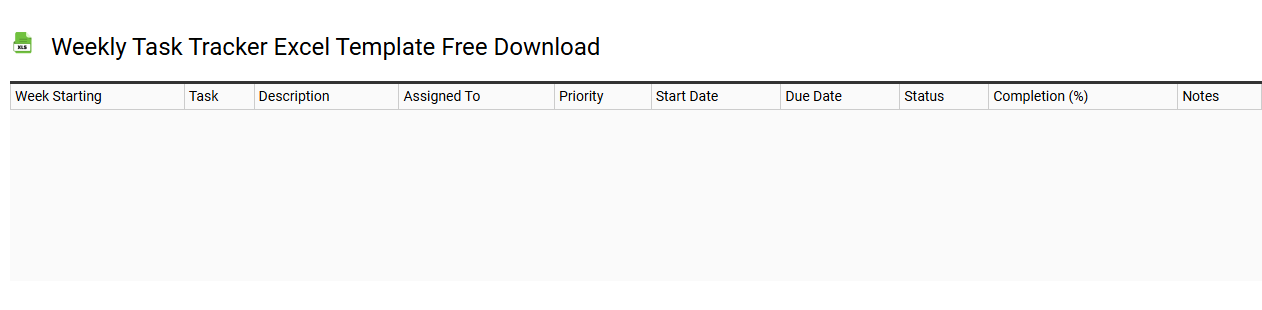
💾 Weekly task tracker Excel template free download template .xls
A Weekly Task Tracker Excel template serves as a structured digital tool for organizing your tasks and responsibilities on a weekly basis. This user-friendly template allows you to allocate specific days for each task, set deadlines, and monitor progress, empowering you to enhance productivity. You can easily customize the template to fit your unique schedule, including priority levels, categories, and completion status. Such a template not only aids in daily management but also opens up possibilities for further integration with advanced project management software and data visualization tools.
Weekly task tracker Excel template with progress bar
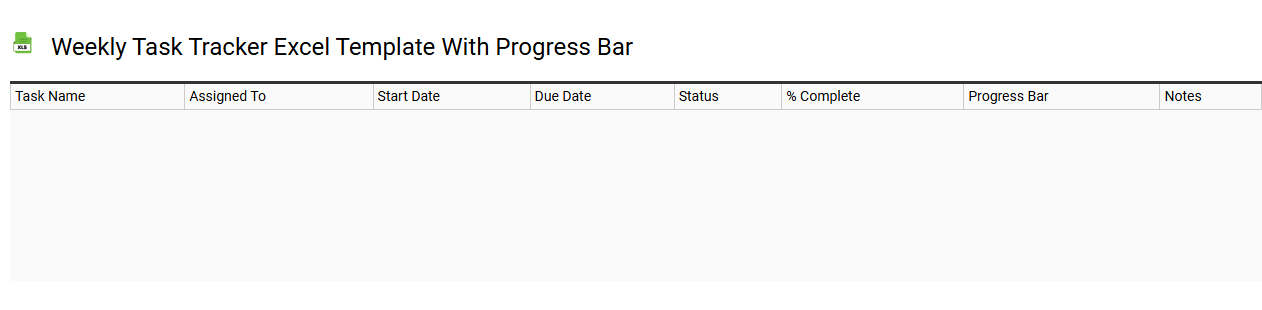
💾 Weekly task tracker Excel template with progress bar template .xls
A Weekly Task Tracker Excel template with a progress bar is a structured spreadsheet designed to help you organize, monitor, and manage your weekly tasks efficiently. It typically includes columns for task descriptions, deadlines, priority levels, and completion status, allowing you to visualize your workload clearly. The integrated progress bar provides an immediate visual representation of your task completion status, making it easier to assess your productivity at a glance. You can customize it further to include advanced features like conditional formatting, macros, or integration with other project management tools to meet your comprehensive project tracking needs.
Weekly task tracker Excel template for project management
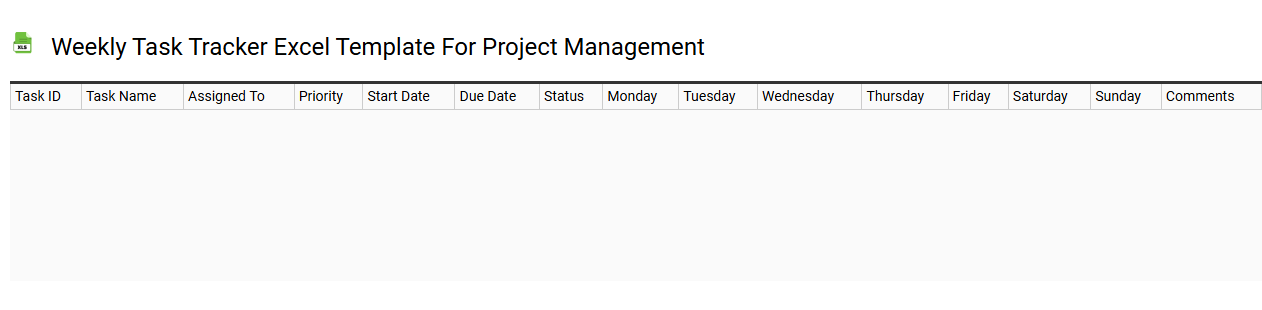
💾 Weekly task tracker Excel template for project management template .xls
A Weekly Task Tracker Excel template is a structured tool designed to help you monitor and manage project activities over the course of a week. It typically includes columns for task names, assigned team members, deadlines, status updates, and priority levels, allowing for clear visibility into progress and responsibilities. This template enhances accountability by providing a centralized location for tracking tasks, deadlines, and outcomes, making it easier to identify bottlenecks or overdue items. You can easily customize it for project-specific needs, and its basic functionality can be expanded to include advanced features such as Gantt charts, resource allocation, or performance metrics for comprehensive project management.
Weekly task tracker Excel template for employees
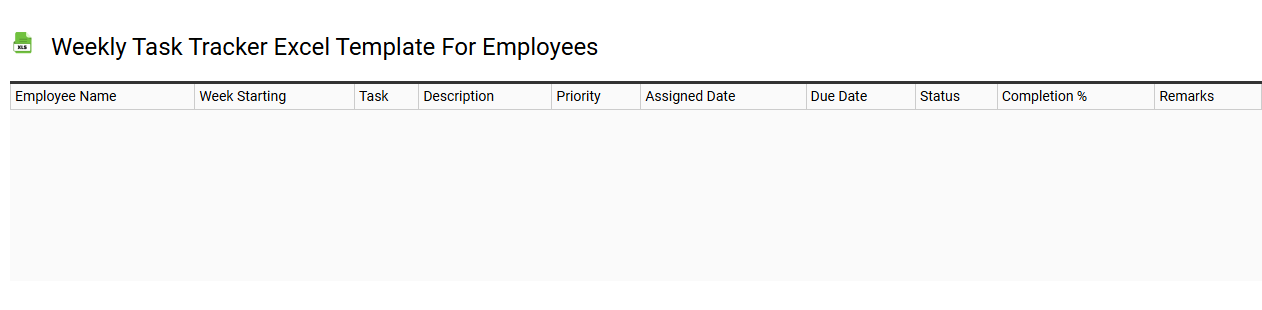
💾 Weekly task tracker Excel template for employees template .xls
A Weekly Task Tracker Excel template for employees is a structured tool designed to help manage and monitor weekly tasks efficiently. This template typically includes columns for task descriptions, assigned employees, due dates, status updates, and priority levels. Users can input their tasks, organize them based on urgency, and track completion progress throughout the week. Utilizing such a template can enhance productivity and facilitate project management, with potential expansions to integrate features like Gantt charts or automated reminders.
Customizable weekly task tracker Excel template
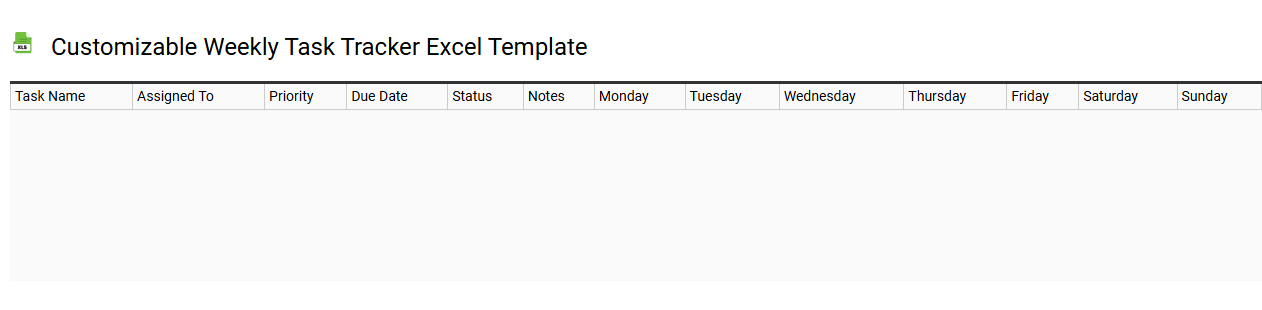
💾 Customizable weekly task tracker Excel template template .xls
A customizable weekly task tracker Excel template is a versatile tool designed to help you organize and manage your tasks efficiently. It features rows for each day of the week, allowing you to input tasks, set deadlines, and track your progress. You can modify various aspects such as color coding, fonts, and layouts to suit your preferences and workflow. This template can evolve from basic to advanced usage, accommodating complex project management methodologies like Agile or Scrum, enabling even deeper tracking and analysis of your tasks.
Printable weekly task tracker Excel template
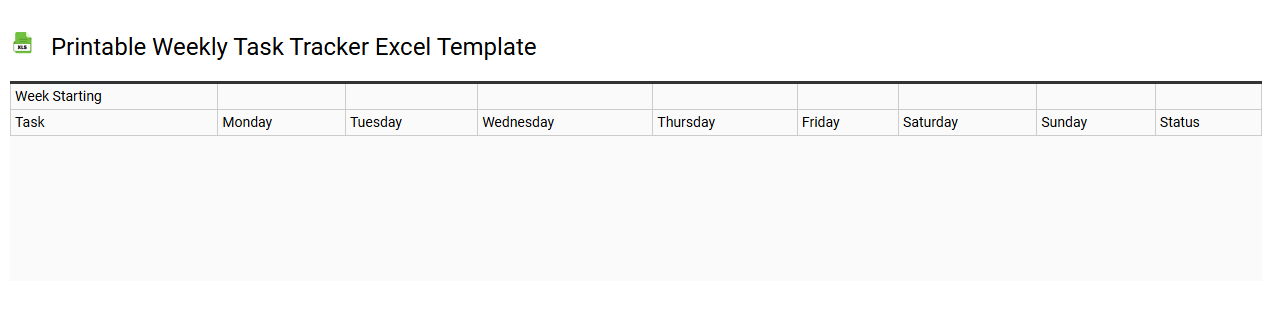
💾 Printable weekly task tracker Excel template template .xls
A Printable weekly task tracker Excel template is a customizable tool designed to help you manage your weekly responsibilities efficiently. The template typically features a straightforward layout with designated sections for task names, due dates, priority levels, and status updates. You can easily input and track your tasks, allowing for better organization and time management. This template is perfect for personal use, team projects, or even business agendas, and could evolve into advanced project management frameworks like Gantt charts or Kanban boards.
Editable weekly task tracker Excel template
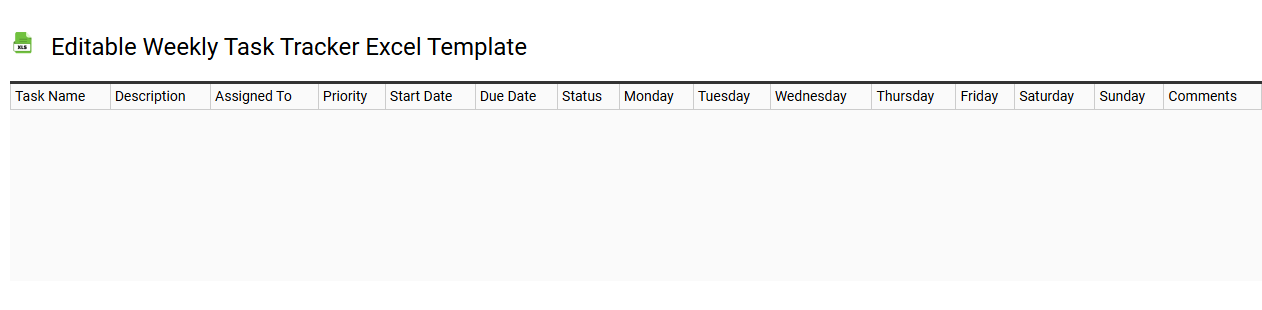
💾 Editable weekly task tracker Excel template template .xls
An editable weekly task tracker Excel template is a customizable spreadsheet designed to help you manage your tasks and activities on a weekly basis. It typically includes columns for task descriptions, due dates, priority levels, and status updates, making it easy for you to monitor progress. You can easily adjust and modify the layout and categories to suit your specific needs, enhancing your productivity and organization. This template can be used not only for personal tasks but also for team projects, with potential extensions into advanced features like Gantt charts or automated reminders.
Weekly task tracker Excel template with priority
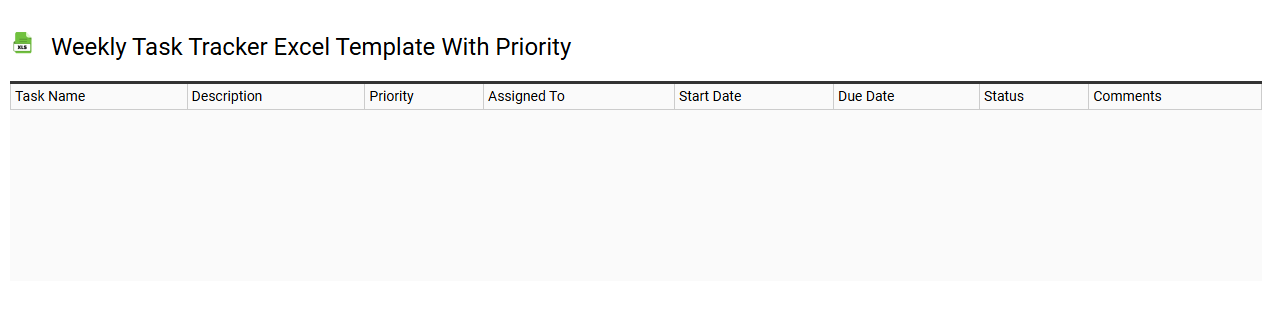
💾 Weekly task tracker Excel template with priority template .xls
A Weekly Task Tracker Excel template with priority serves as a structured tool for managing and organizing your tasks over the course of a week. It typically includes columns for task descriptions, due dates, priority levels, and status updates, allowing for clear visualization of what needs to be completed. Color-coding or numerical rankings highlight urgent tasks, ensuring that critical items are addressed first. This template aids in efficient time management, fostering productivity and accountability, and can evolve to incorporate advanced project management features such as Gantt charts and resource allocation tracking for more complex needs.
Weekly task tracker Excel template for students
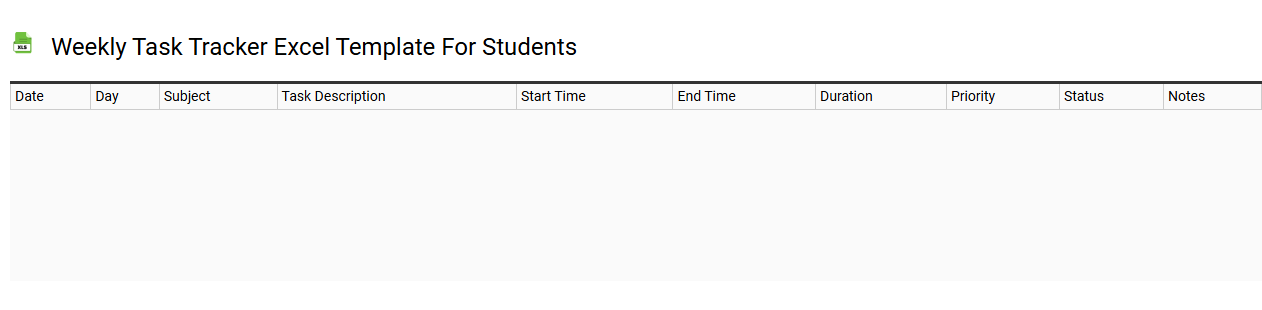
💾 Weekly task tracker Excel template for students template .xls
A Weekly Task Tracker Excel template for students is designed to help you organize and manage your academic assignments, projects, and personal tasks efficiently. This template often features structured columns for task descriptions, due dates, priority levels, and status updates, allowing for clear visibility of your commitments. It may also include sections for weekly goals and reflections, encouraging better time management and accountability. As you utilize this tracker, consider its potential for incorporating advanced features like conditional formatting and automated reminders to enhance your productivity further.
Simple weekly task tracker Excel template
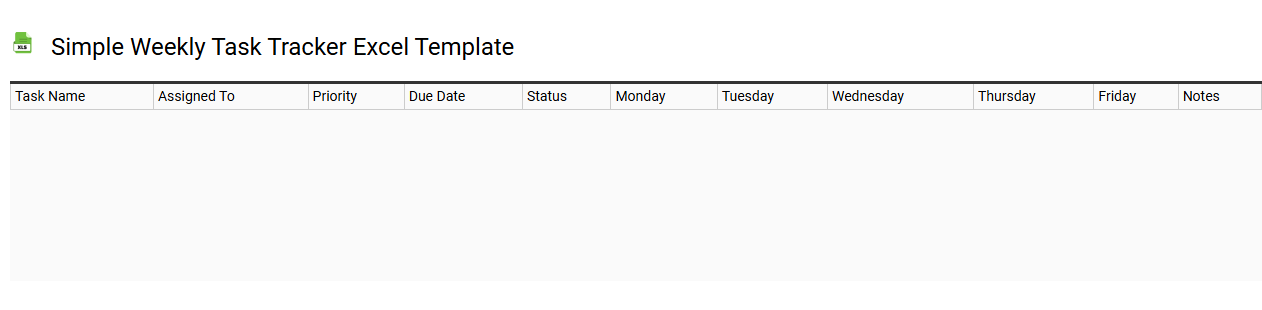
💾 Simple weekly task tracker Excel template template .xls
A Simple Weekly Task Tracker Excel template is a straightforward tool designed to help you organize and monitor your weekly tasks efficiently. The template typically features columns for task names, due dates, statuses, and priority levels, allowing you to view your workload at a glance. You can easily input, modify, and categorize tasks according to your personal needs or project requirements. This basic usage can lay a foundation for more advanced functionalities, such as automated reminders or integration with project management software.